Summary for Graphic Design
Graphic design is a highly demanding category that requires AI to balance artistic creativity with strict technical rules. Here are the key takeaways! 🚀
- Overall Top Performers: Models like Takumi 1, Imagen 4.0 Ultra, and ChatGPT 4o consistently delivered polished, production-ready assets across multiple design disciplines. 🏆
- Typography is King: The ability to render exact text is the biggest differentiator in this category. Models like Ideogram 4.0 (Quality) shine here. ✍️
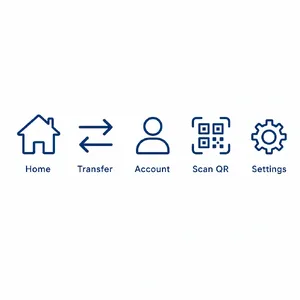
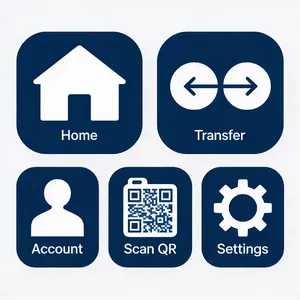
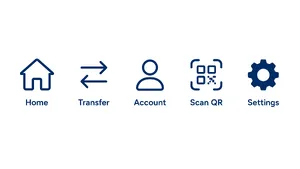
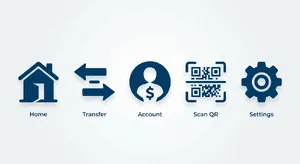
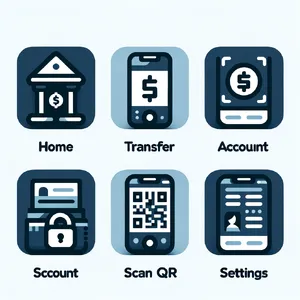
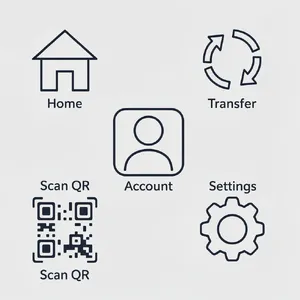
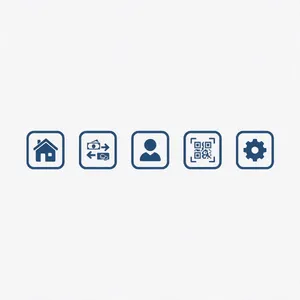
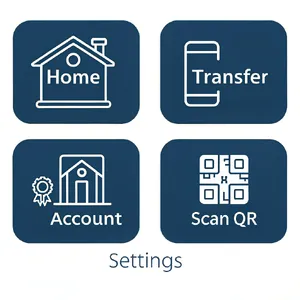
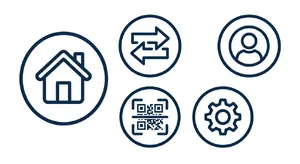
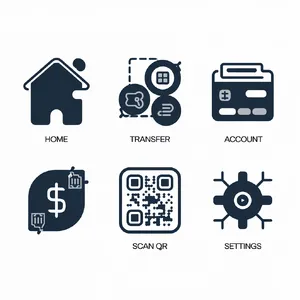
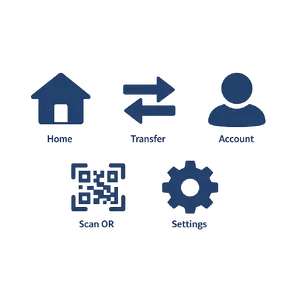
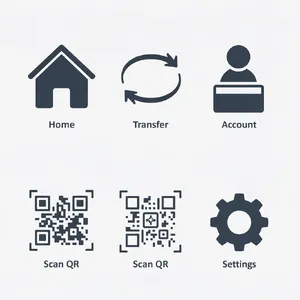
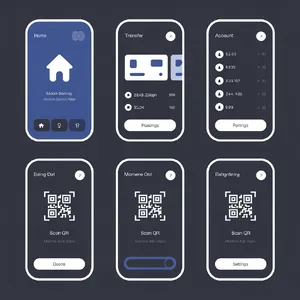
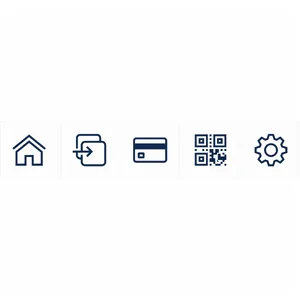
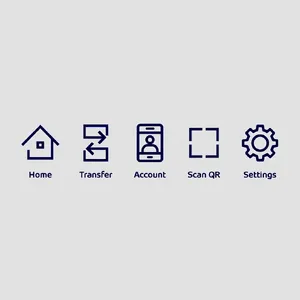
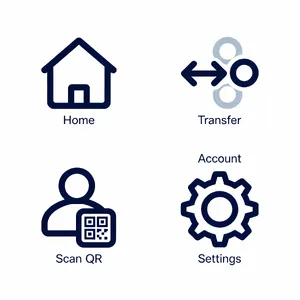
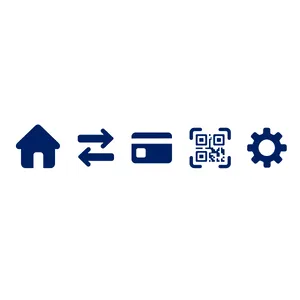
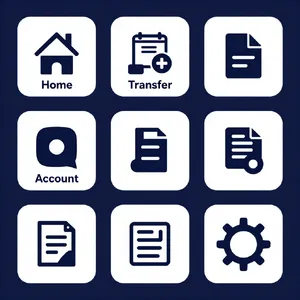
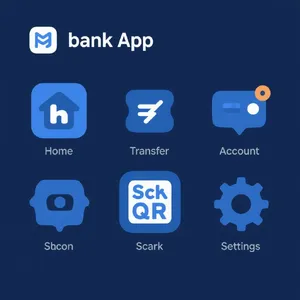
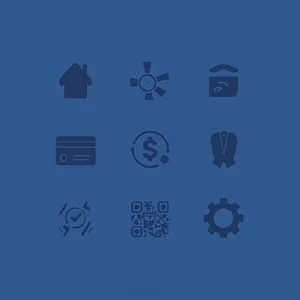
- Counting is Surprisingly Hard: When asked for exactly 5 icons, many models failed and generated 4, 6, or 9 instead! 🔢
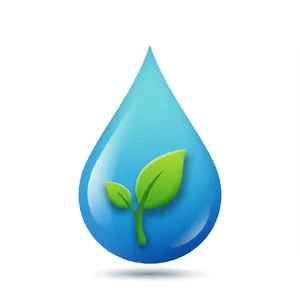
- The 3D Trap: A surprising and common trend is models ignoring 'flat design' instructions, instead over-rendering images with 3D bevels, glossy highlights, and heavy drop shadows. 🧊
3. General Analysis & Useful Insights
Diving deeper into the graphic design data reveals fascinating patterns in how AI understands core design principles. 🧐
1. Typography Makes or Breaks a Design
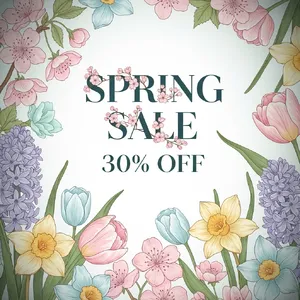
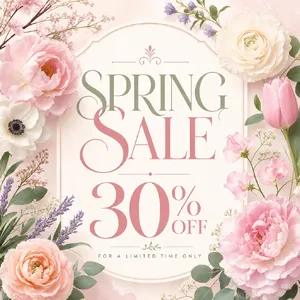
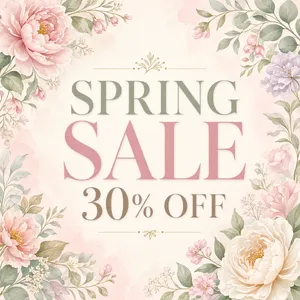
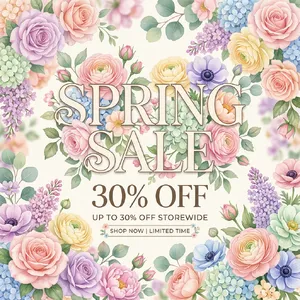
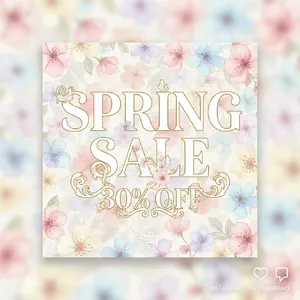
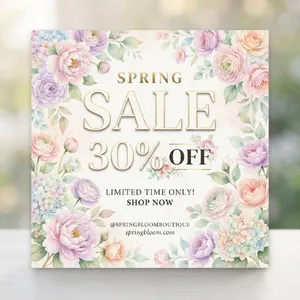
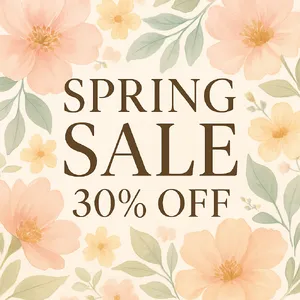
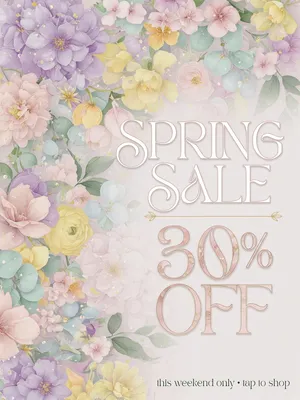
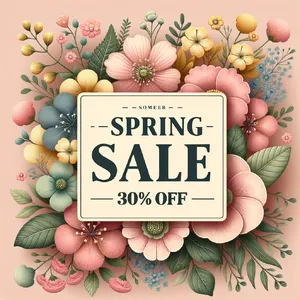
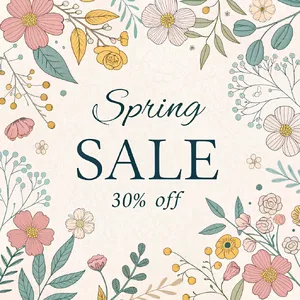
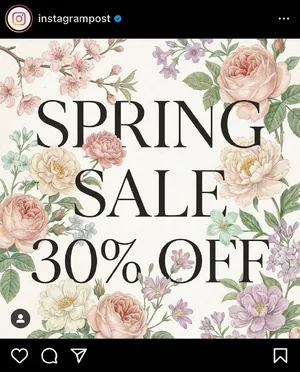
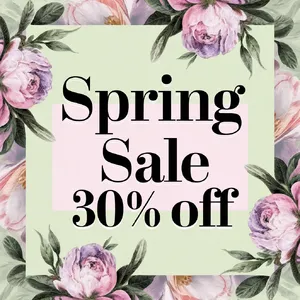
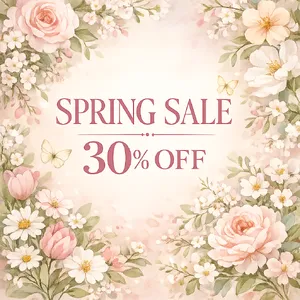
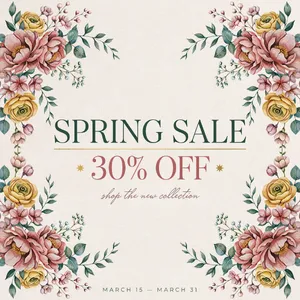
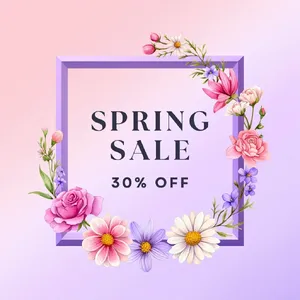
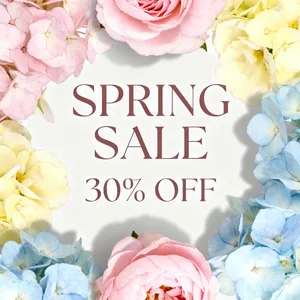
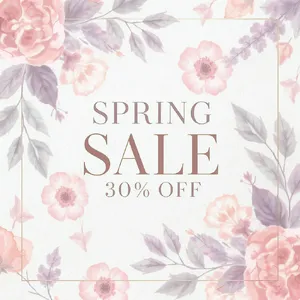
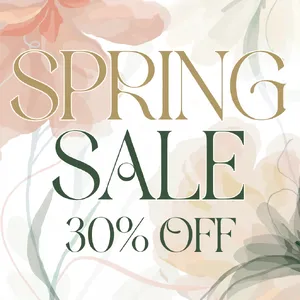
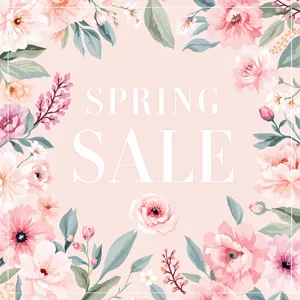
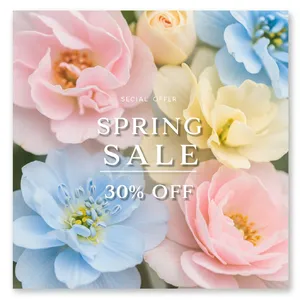
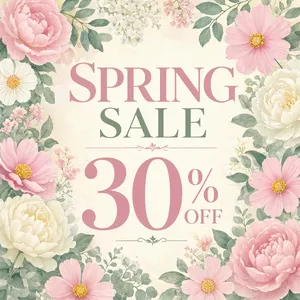
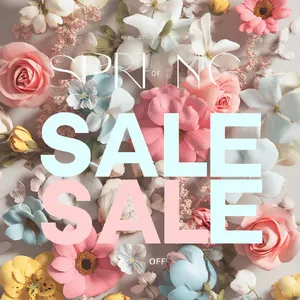
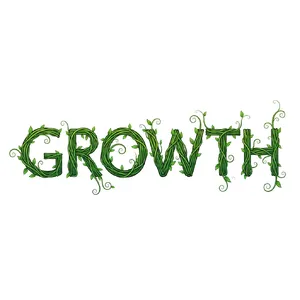
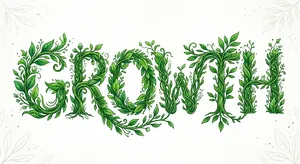
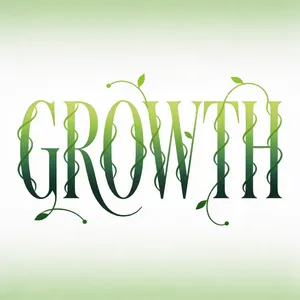
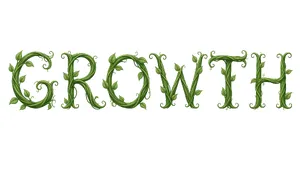
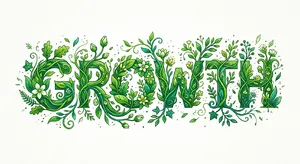
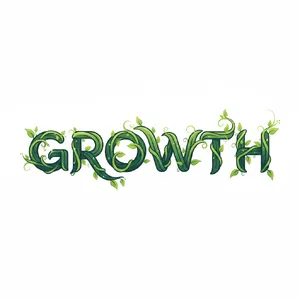
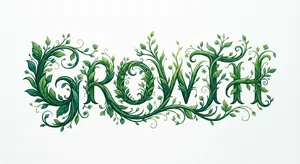
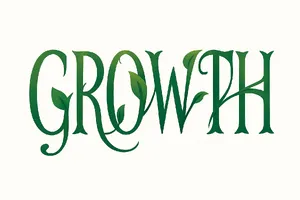
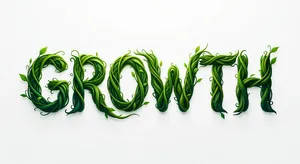
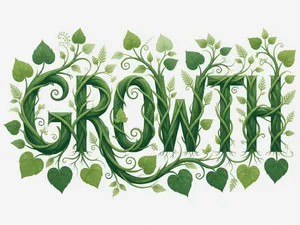
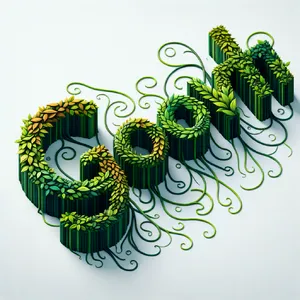
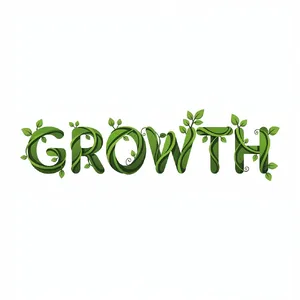
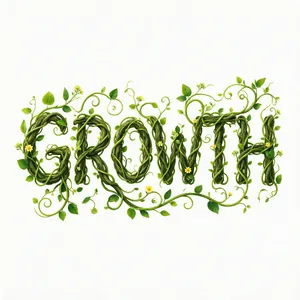
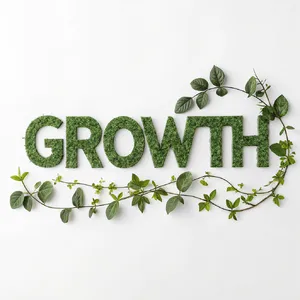
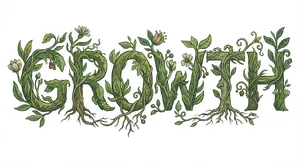
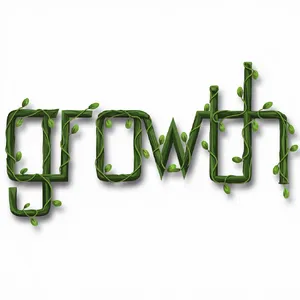
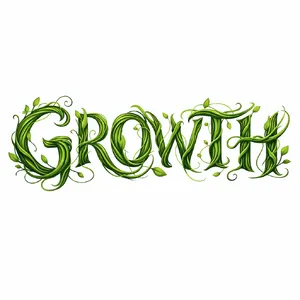
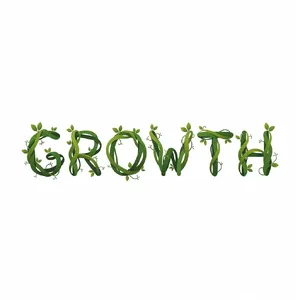
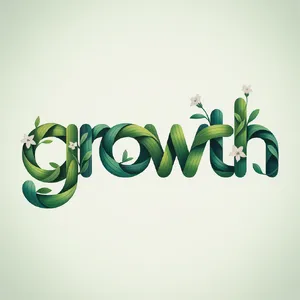
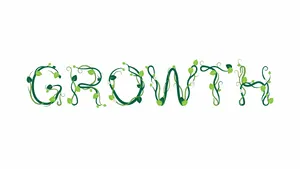
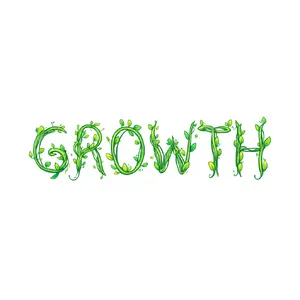
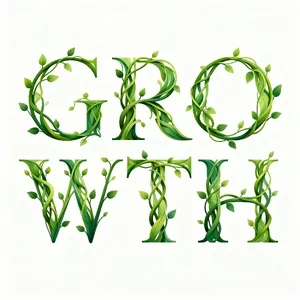
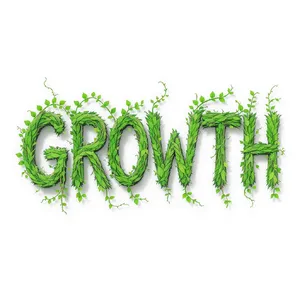
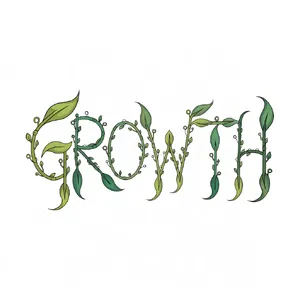
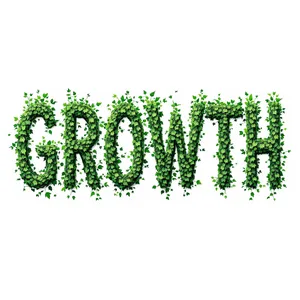
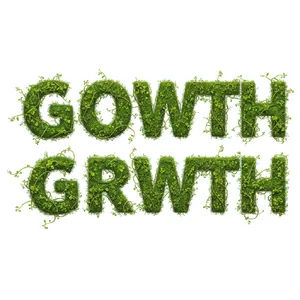
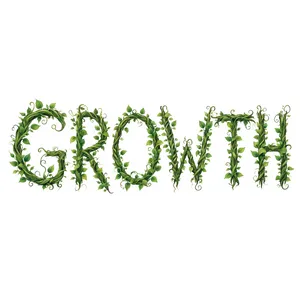
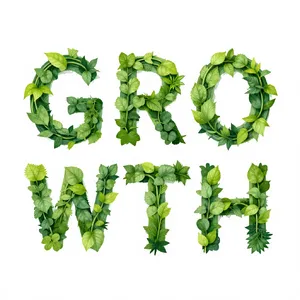
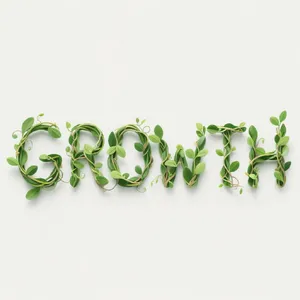
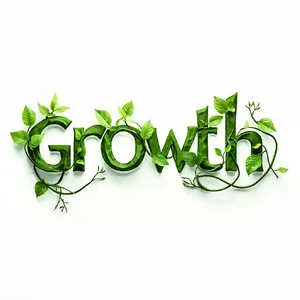
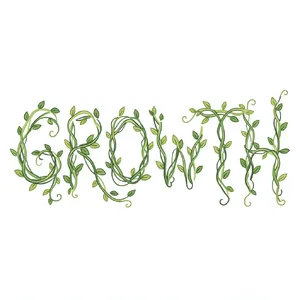
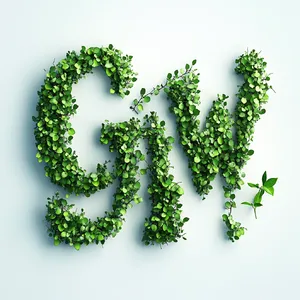
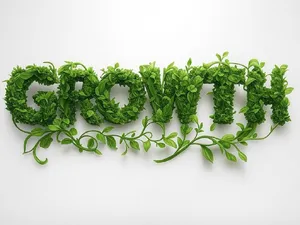
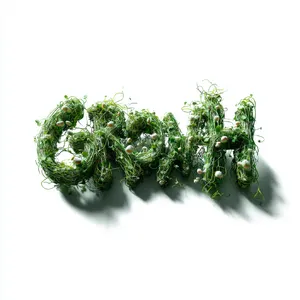
In graphic design, a beautiful layout is instantly ruined by misspelled text. Models like Ideogram V2 and GPT Image 2 showed incredible mastery in integrating text into complex designs, as seen in the Spring Sale Graphic prompt. Conversely, Midjourney V6.1 frequently produced unreadable gibberish, failing critical tasks like the Growth Typography prompt. 🔤
2. The Struggle with 'Flat Vector' Style
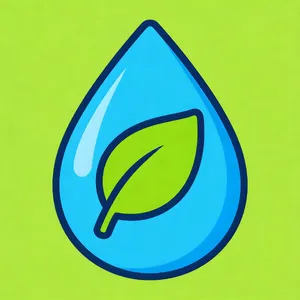
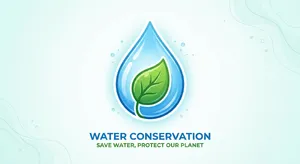
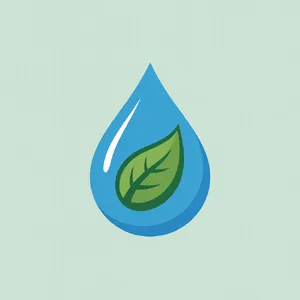
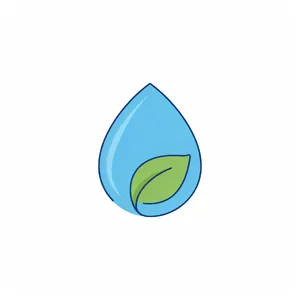
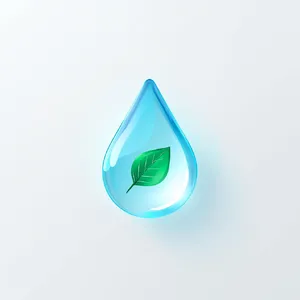
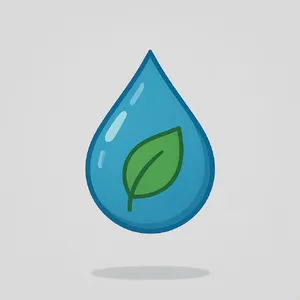
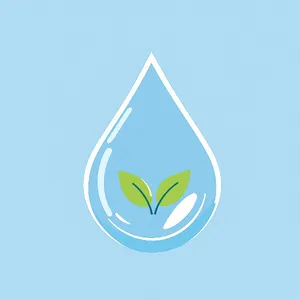
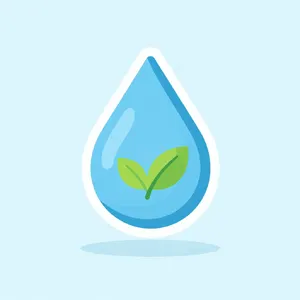
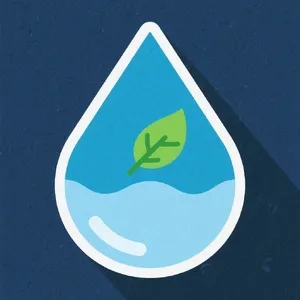
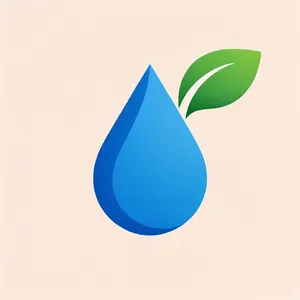
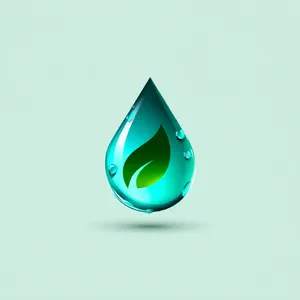
True minimalist flat design requires immense restraint. We noticed that models like Recraft V4.1 and Seedream 4.5 beautifully executed minimalist vectors, such as in the Water Conservation Icon. However, many models defaulted to glossy, 3D, or neumorphic styles even when specifically instructed to stay flat. 💧
3. Exact Constraints & Grid Layouts
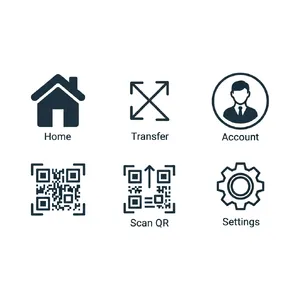
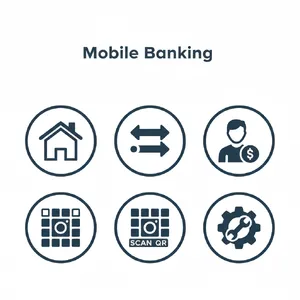
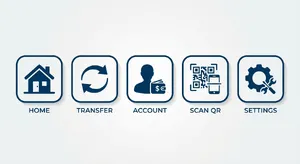
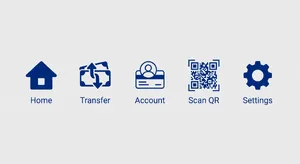
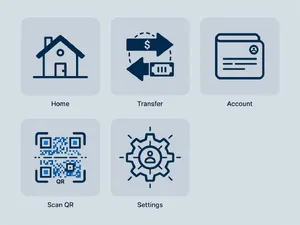
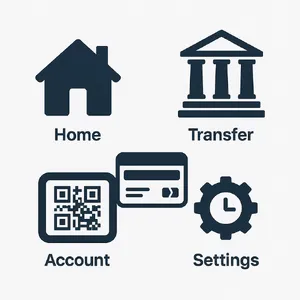
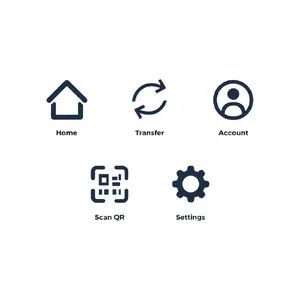
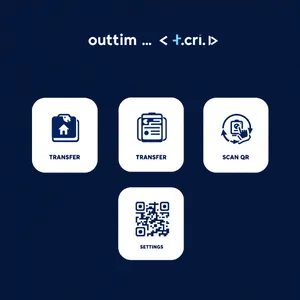
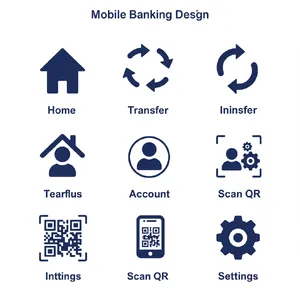
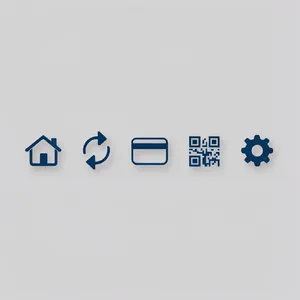
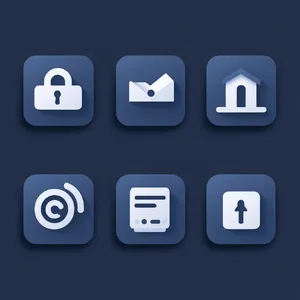
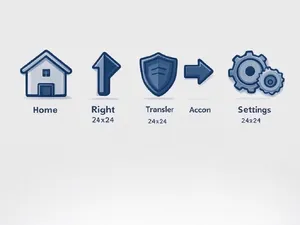
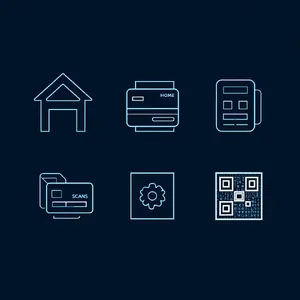
The Mobile Banking Icons prompt was the ultimate constraint filter. Asking for a set of exactly 5 consistent icons broke many models' logical structuring. Only a select few, like ChatGPT 4o and Seedream 4.5, managed to output exactly 5 items with matching visual weight and style. 📱
4. Visualizing Abstract Concepts
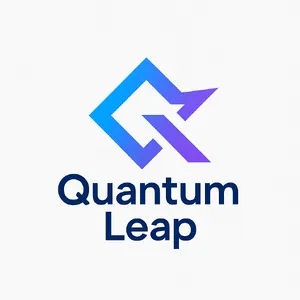
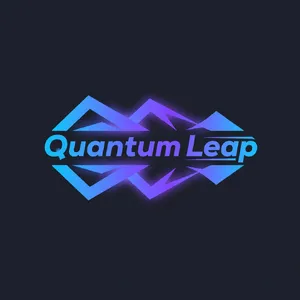
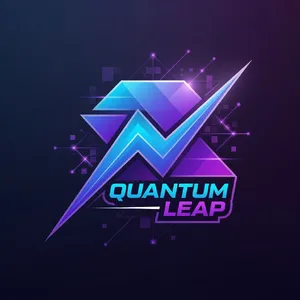
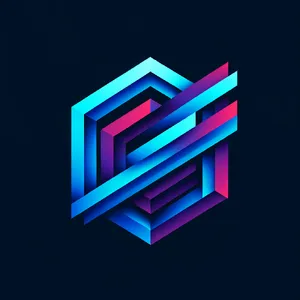
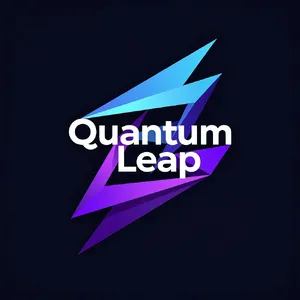
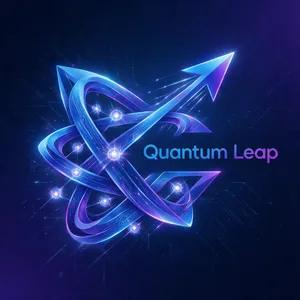
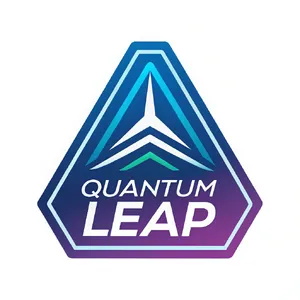
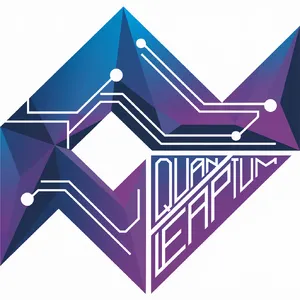
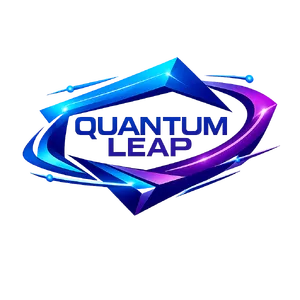
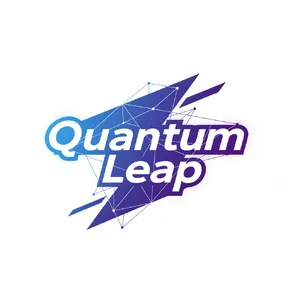
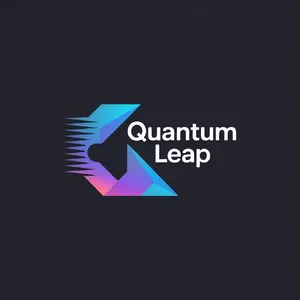
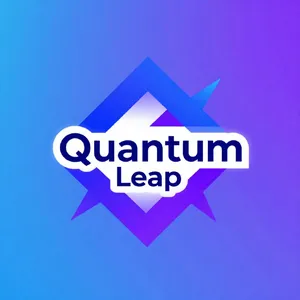
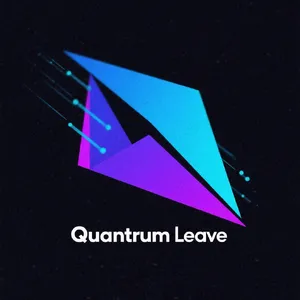
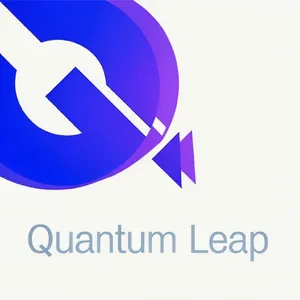
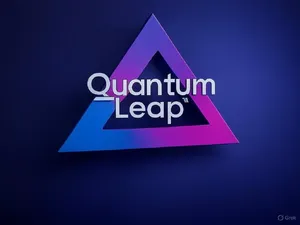
Translating abstract words into usable visuals is a massive challenge! The Quantum Leap Logo showed that models like Takumi 1 could brilliantly combine the abstract ideas of 'speed' and 'connection' while keeping the logo clean, scalable, and highly usable. ⚡
4. Best Model Analysis by Use Case
Different graphic design tasks require vastly different AI strengths. Here is the breakdown by use case! 🛠️
Logos & Brand Marks 🏢
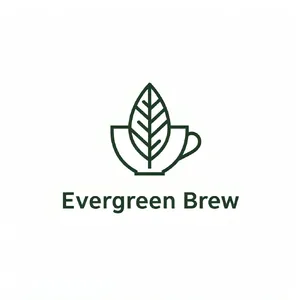
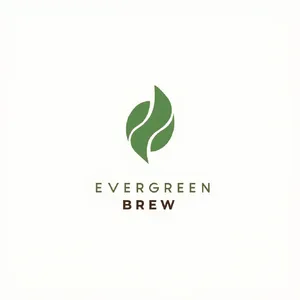
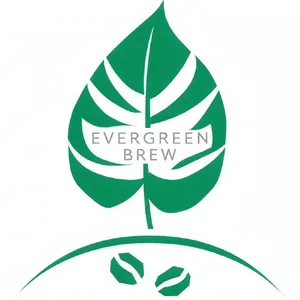
For clean, scalable logos, Takumi 1 and Grok Imagine are phenomenal. They balance negative space and typography perfectly. Check out this brilliant Coffee Logo by Takumi 1 for the Minimalist Coffee Logo prompt!
UI/UX & Iconography 📲
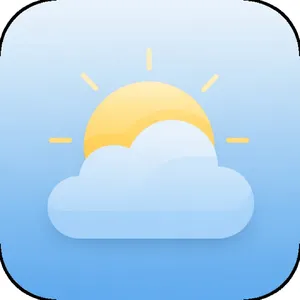
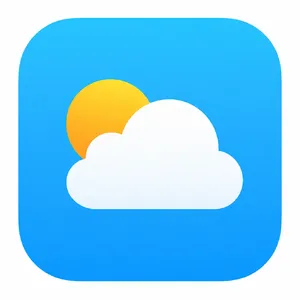
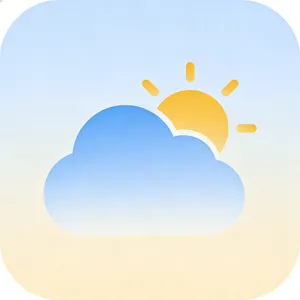
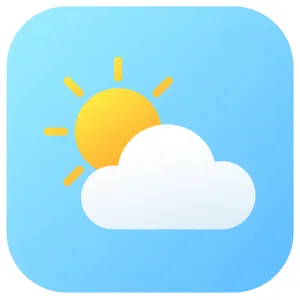
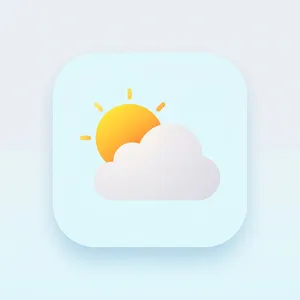
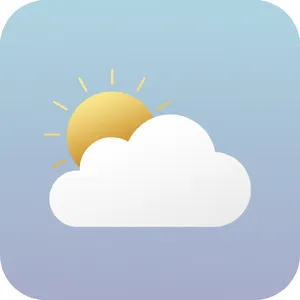
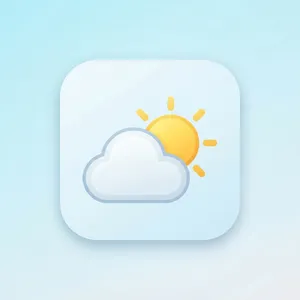
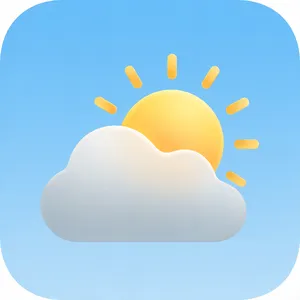
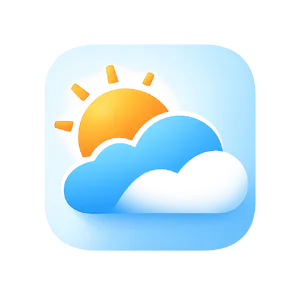
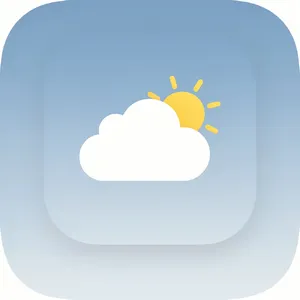
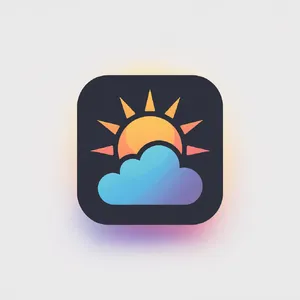
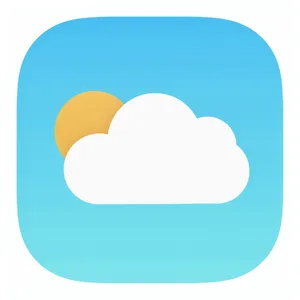
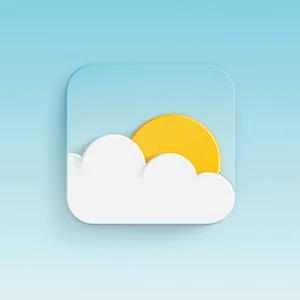
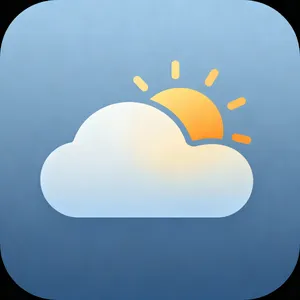
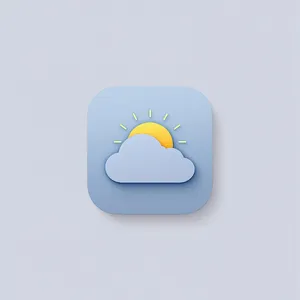
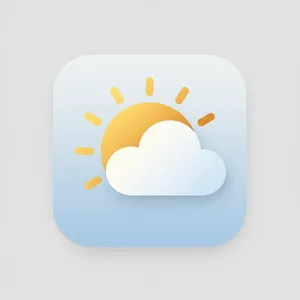
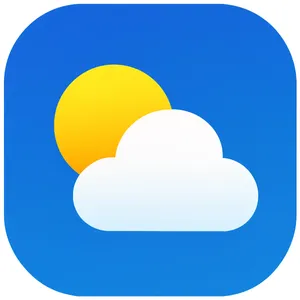
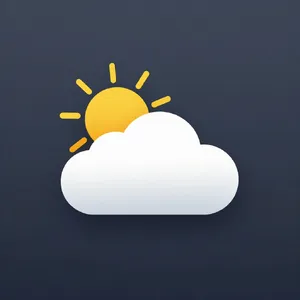
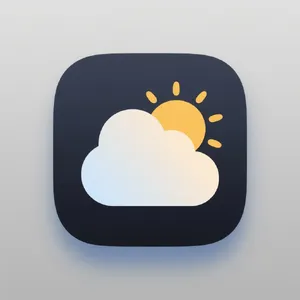
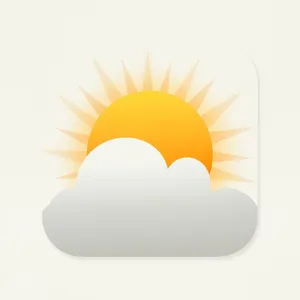
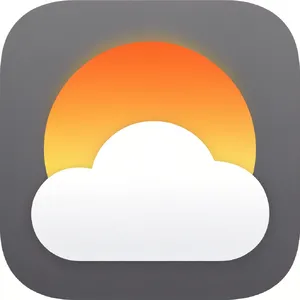
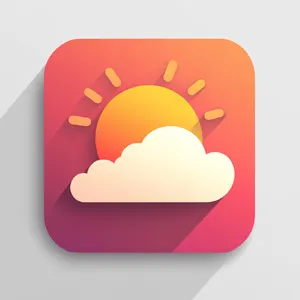
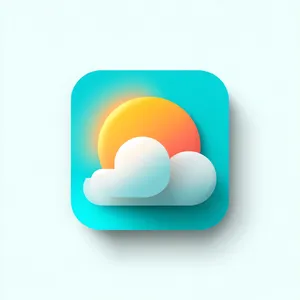
When you need consistent icon sets or app icons, reach for Imagen 4.0 Ultra or ChatGPT 4o. They understand uniformity and grid layouts. Their work on the Weather App Icon was exceptional. Take a look at this flawless Weather Icon by Imagen 4.0 Ultra.
Social Media Posters 📱
For Instagram graphics blending imagery and typography, GPT Image 2 and Ideogram V2 are top-tier. They successfully integrate fonts into the design rather than just pasting flat text on top. Their work on the Spring Sale Graphic is an absolute must-see!
Patterns & Backgrounds 🧩
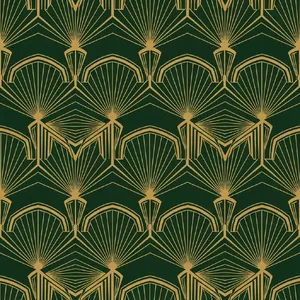
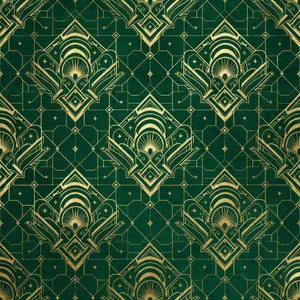
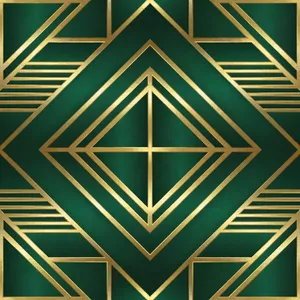
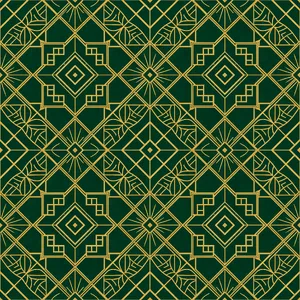
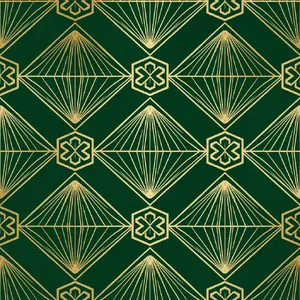
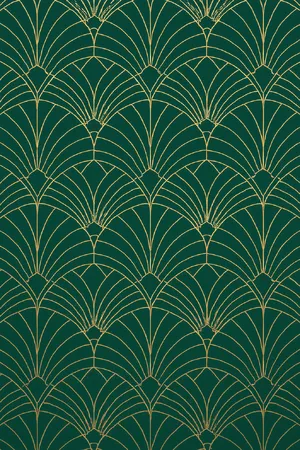
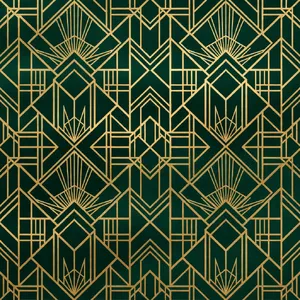
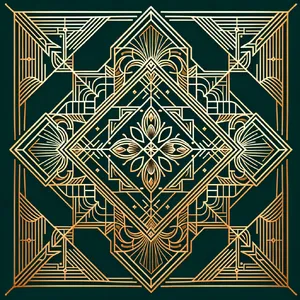
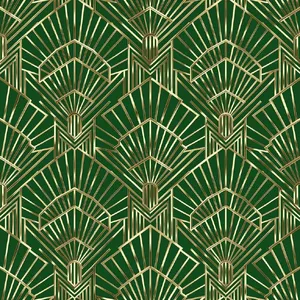
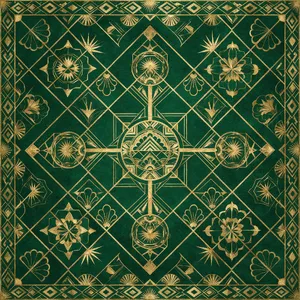
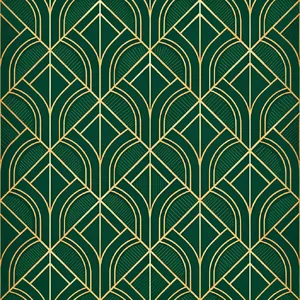
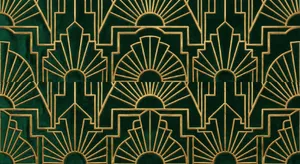
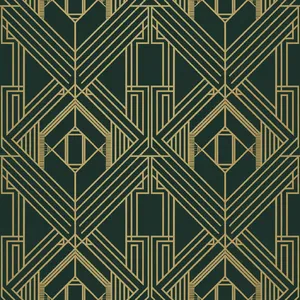
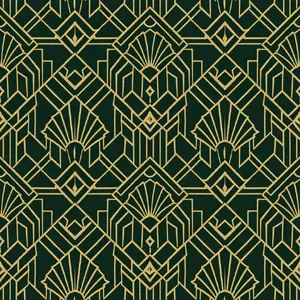
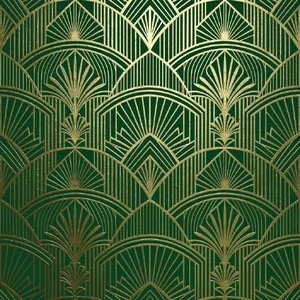
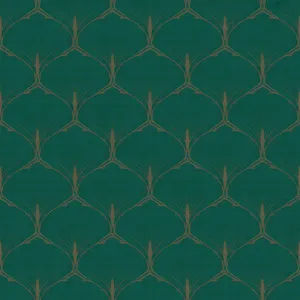
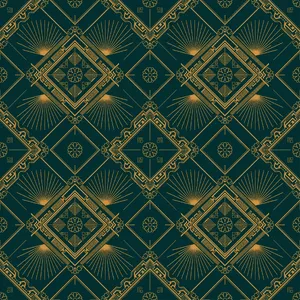
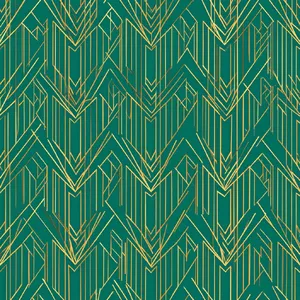
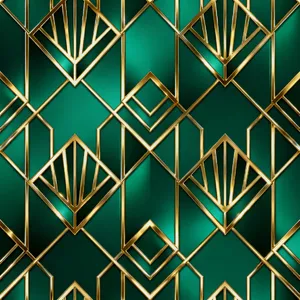
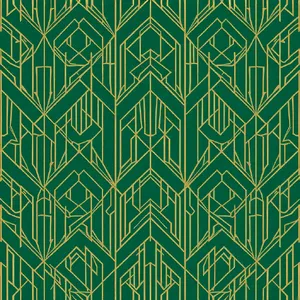
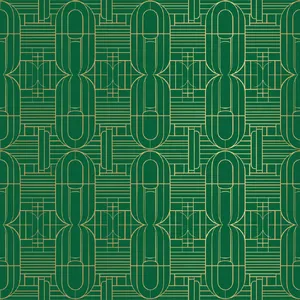
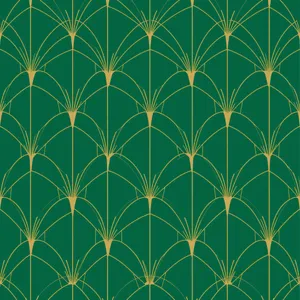
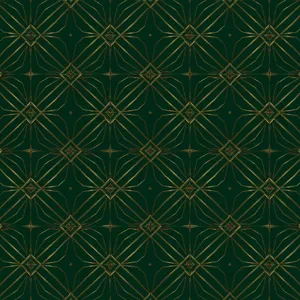
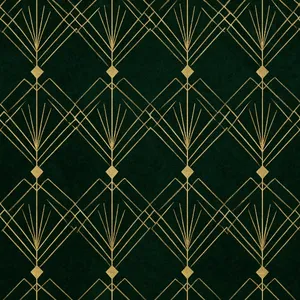
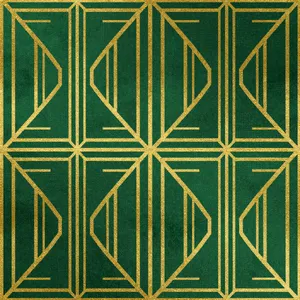
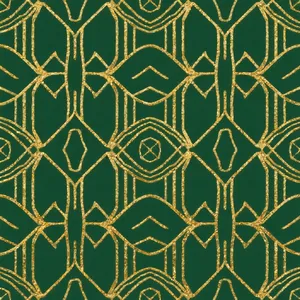
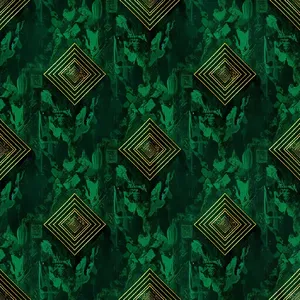
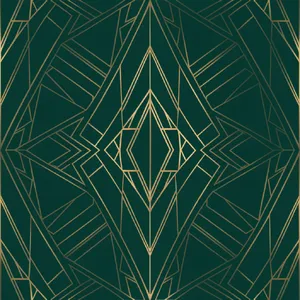
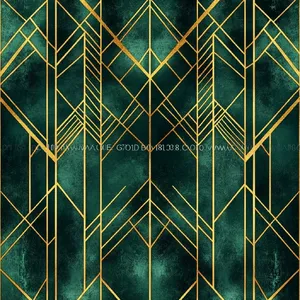
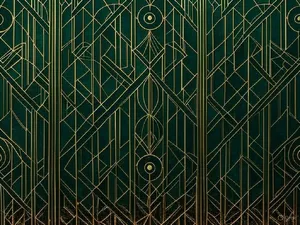
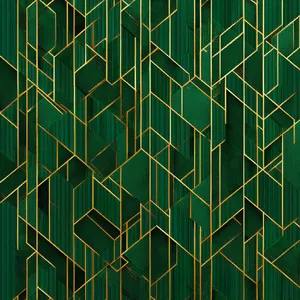
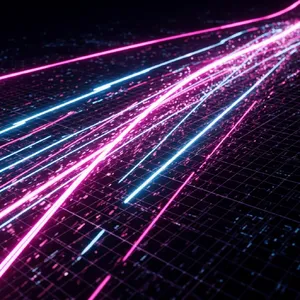
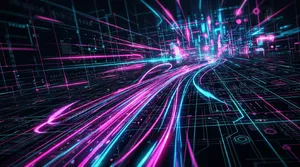
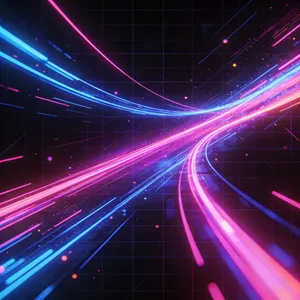
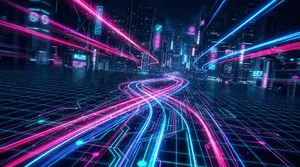
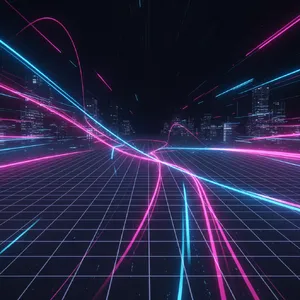
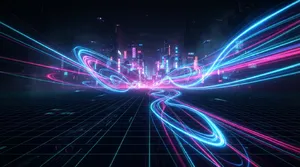
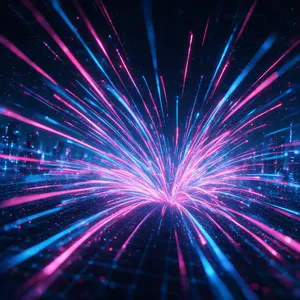
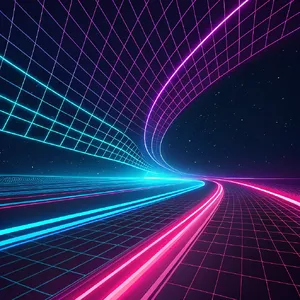
Generating seamless, repeating patterns like the Art Deco Pattern requires strict geometric precision. Flux 2 Pro and Nano Banana 2 excel at creating intricate, wallpaper-ready textures that tile perfectly. Check out this stunning Cyberpunk Wallpaper generated for the Cyberpunk Wallpaper prompt!
Mascot & Character Design 🤖
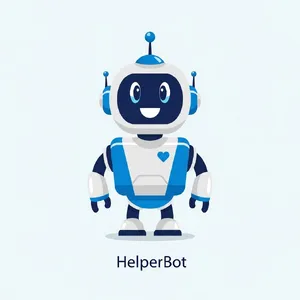
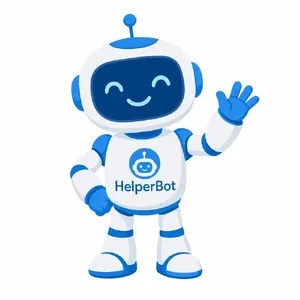
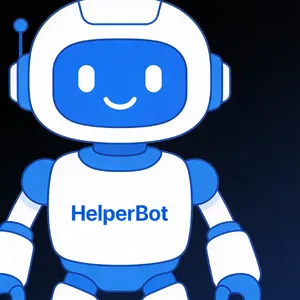
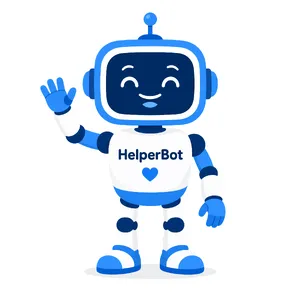
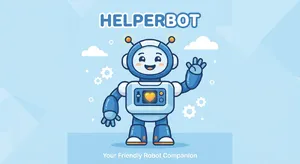
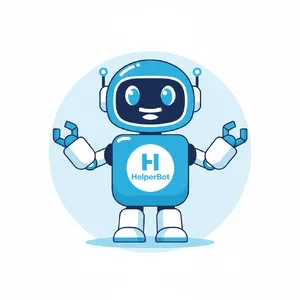
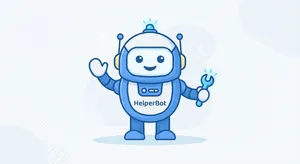
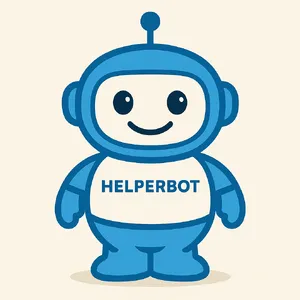
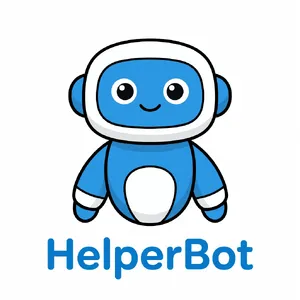
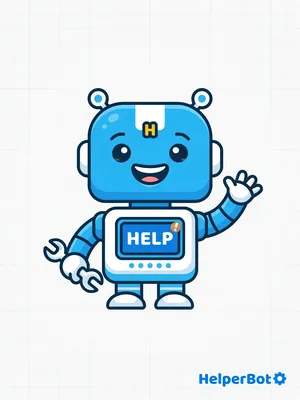
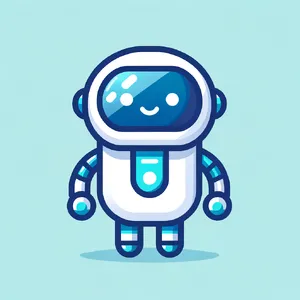
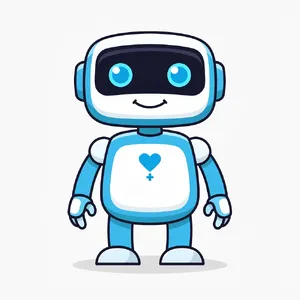
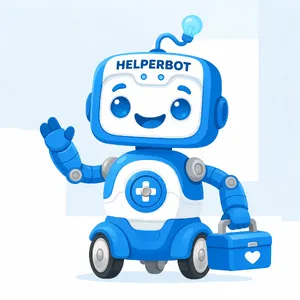
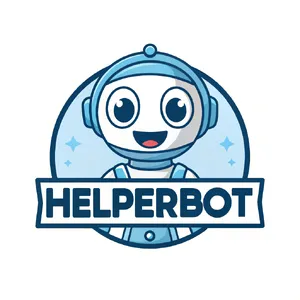
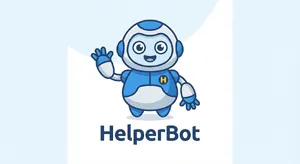
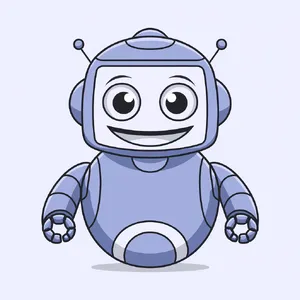
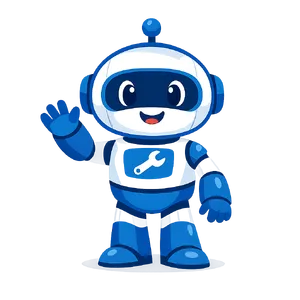
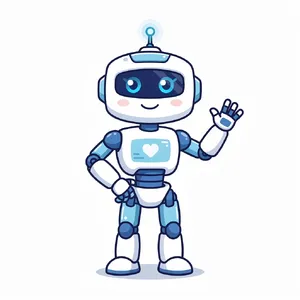
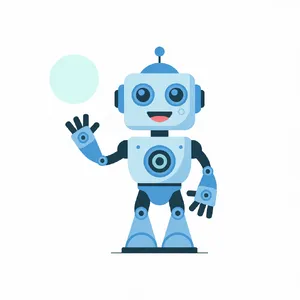
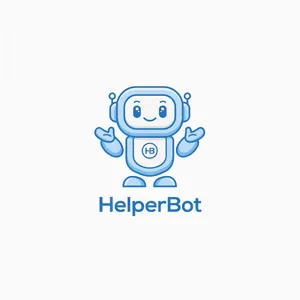
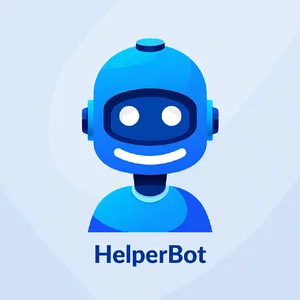
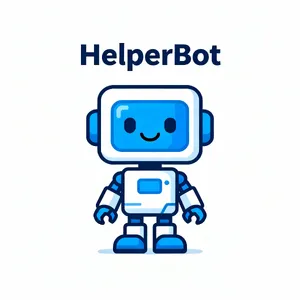
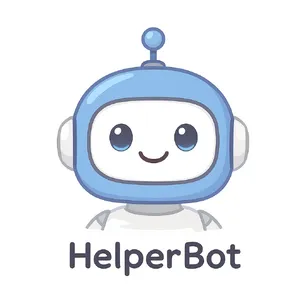
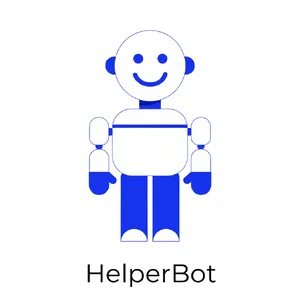
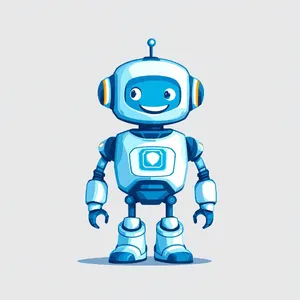
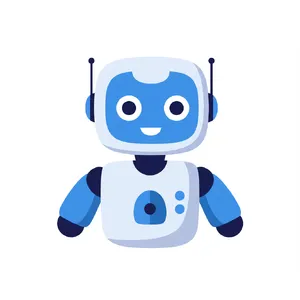
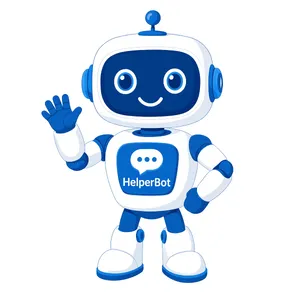
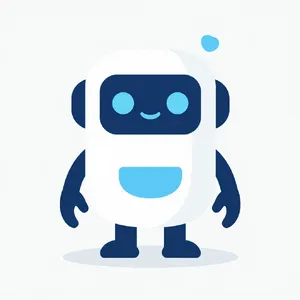
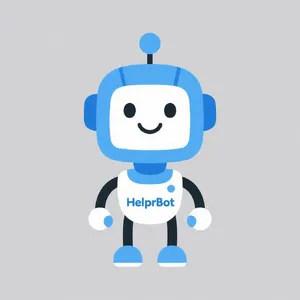
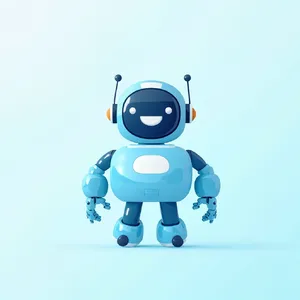
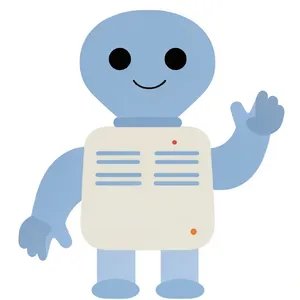
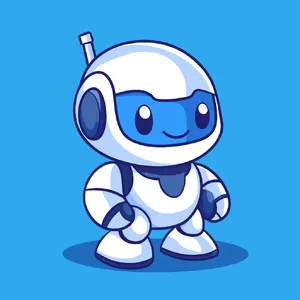
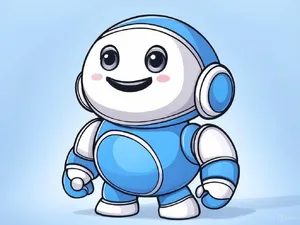
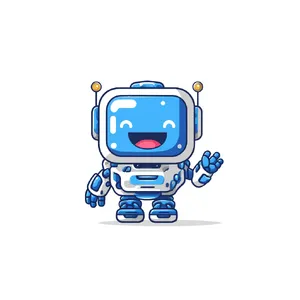
For friendly, flat brand mascots, Imagen 4.0 Ultra and Recraft V3 are unmatched. They captured the approachable personality required in the HelperBot Mascot flawlessly, as beautifully demonstrated in this Recraft V3 Mascot.