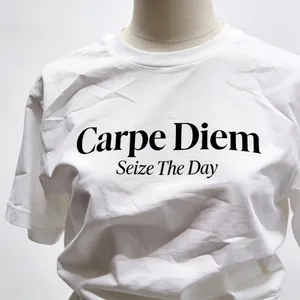
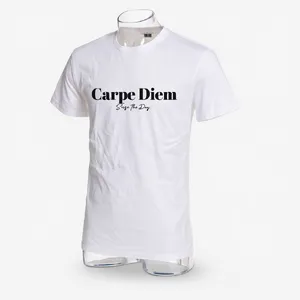
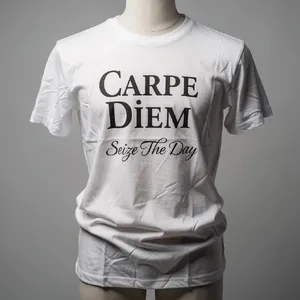
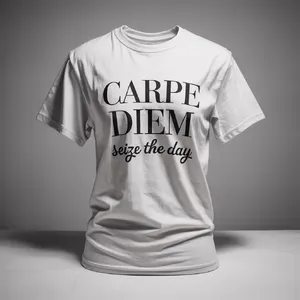
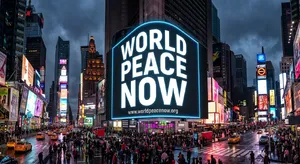
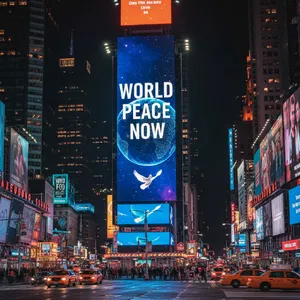
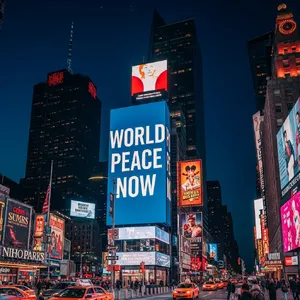
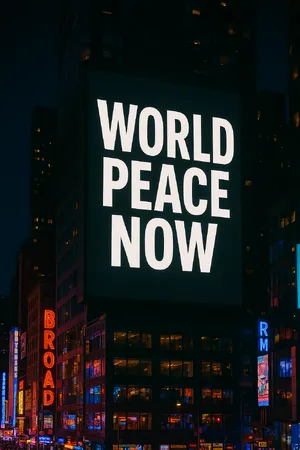
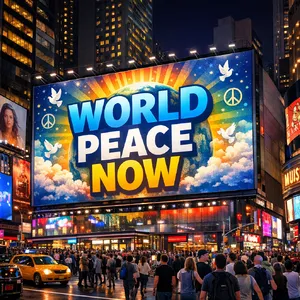
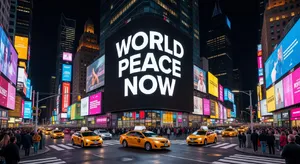
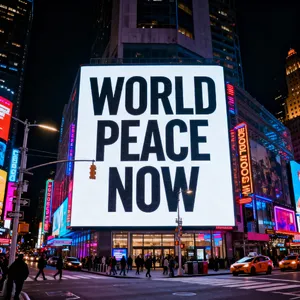
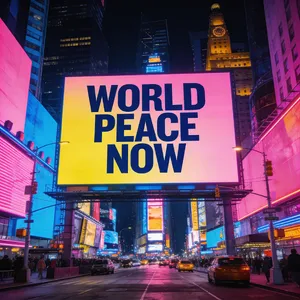
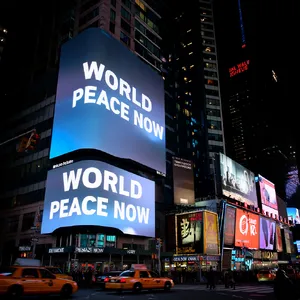
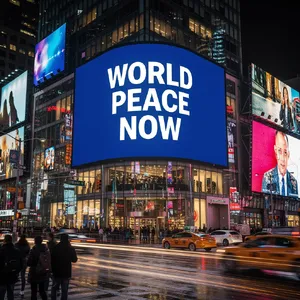
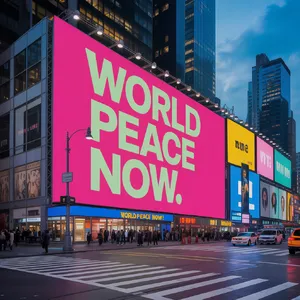
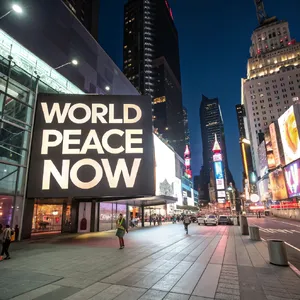
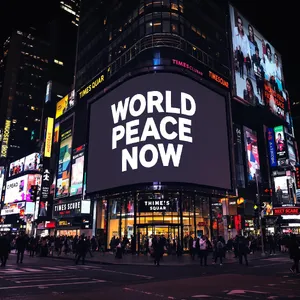
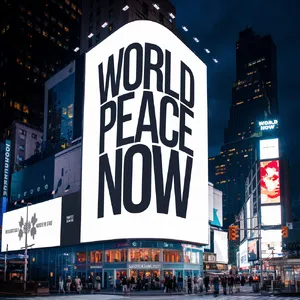
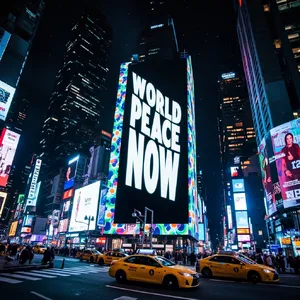
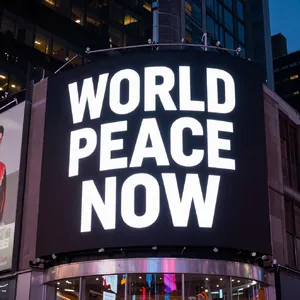
Summary for Text in Images
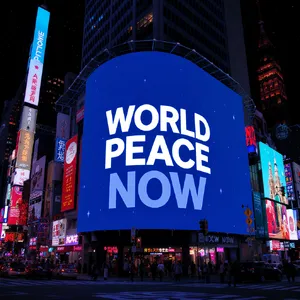
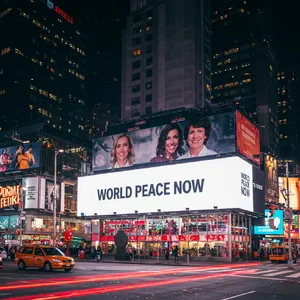
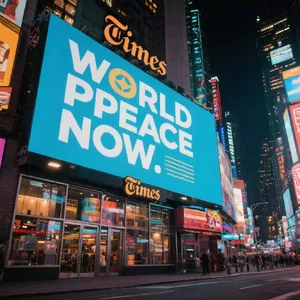
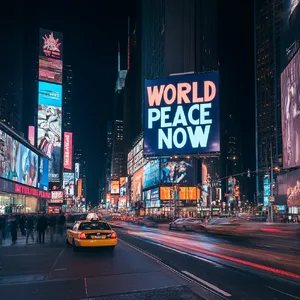
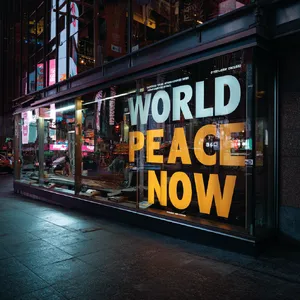
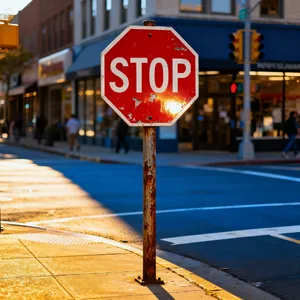
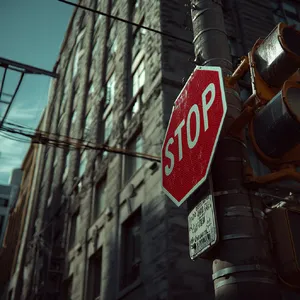
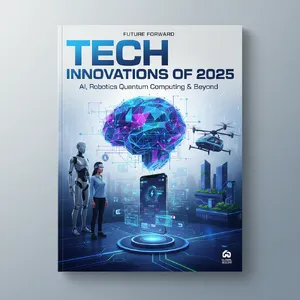
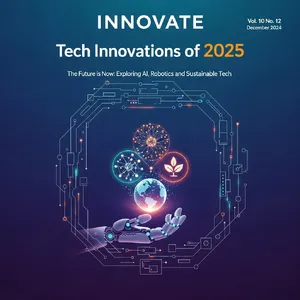
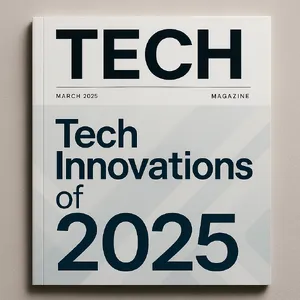
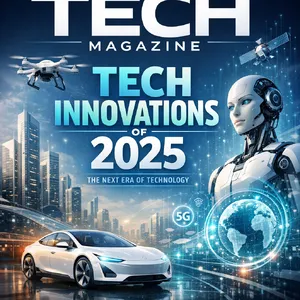
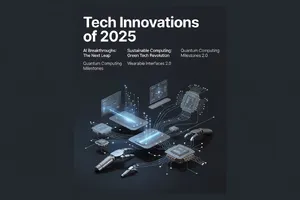
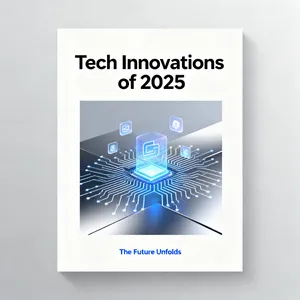
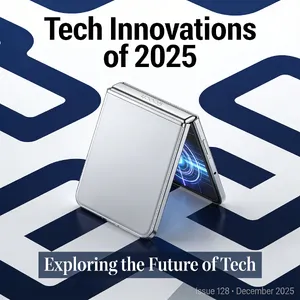
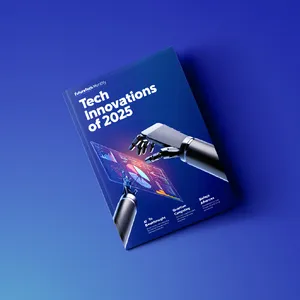
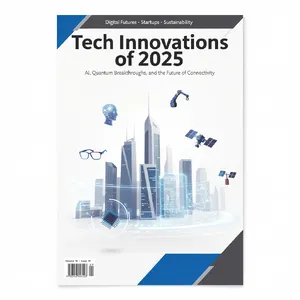
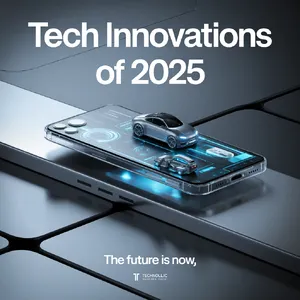
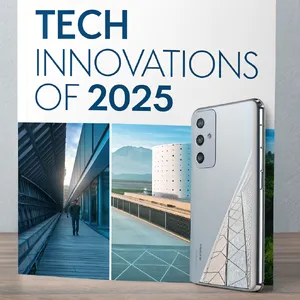
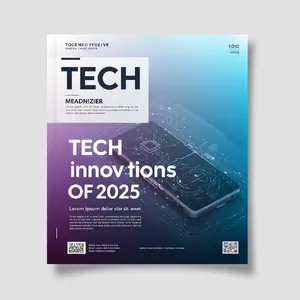
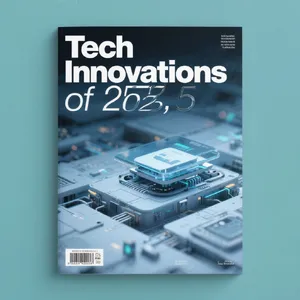
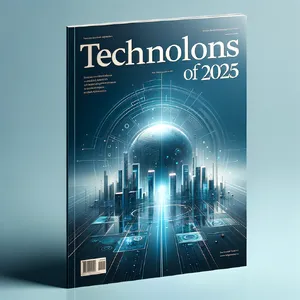
In the battle for typographic supremacy, Nano Banana Pro emerged as the undisputed champion 🏆, delivering near-flawless performance across almost every text challenge. It consistently handled complex integrations, such as the Stop Sign with graffiti and the intricate Magazine Cover.
Key Findings:
- Top Performer: Nano Banana Pro (consistently hitting 9-10/10 scores).
- Best Graphic Design: Recraft V3 and Imagen 4.0 Ultra excelled at flat design and poster aesthetics.
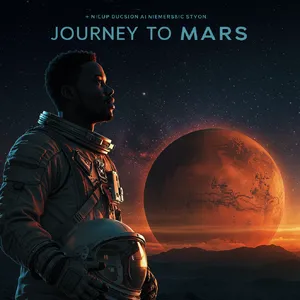
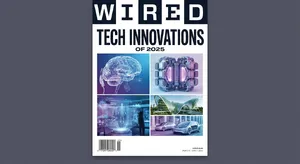
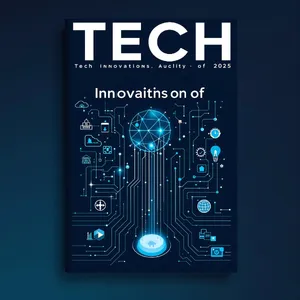
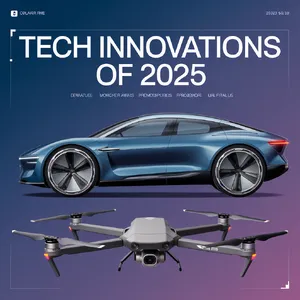
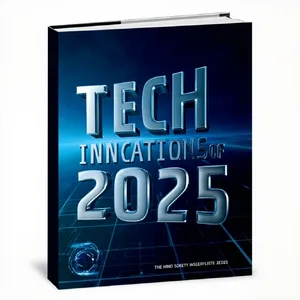
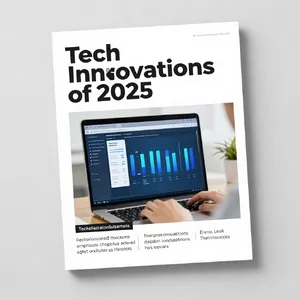
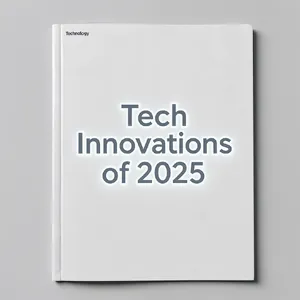
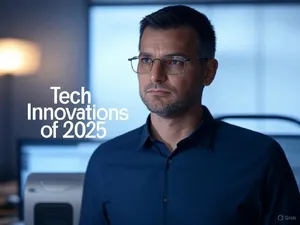
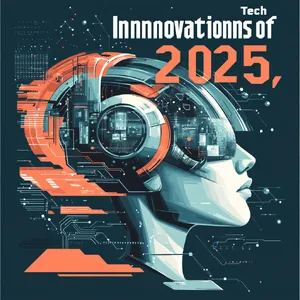
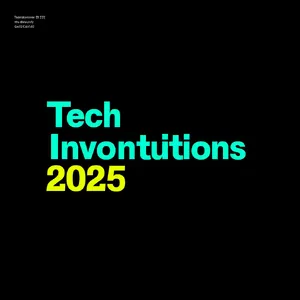
- The "Art vs. Text" Trade-off: Midjourney v7 and Midjourney V6.1 produced stunningly artistic images but frequently failed basic spelling tests (e.g., "Invontutions" instead of "Innovations"), making them risky for text-heavy tasks.
- Surprise Contender: GPT Image 1.5 showed remarkable versatility, handling both creative layouts and strict text adherence very well.
Overall, the gap between "artistic" models and "commercial" models is widening. If you need a pretty picture, use Midjourney; if you need accurate text, look to Google or the latest Nano models.
Deep Dive: Patterns in Typography Generation
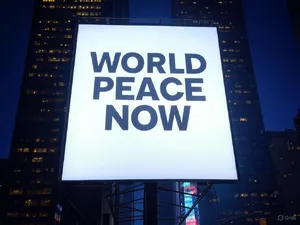
Analyzing the Text in Images category reveals distinct tiers of model capability.
1. The "Gibberish" Problem
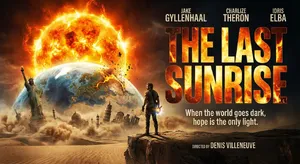
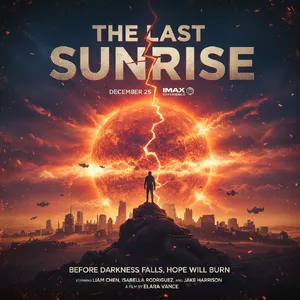
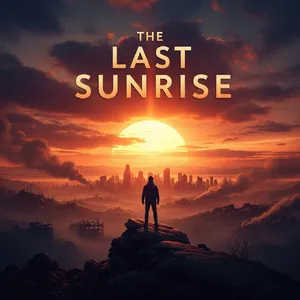
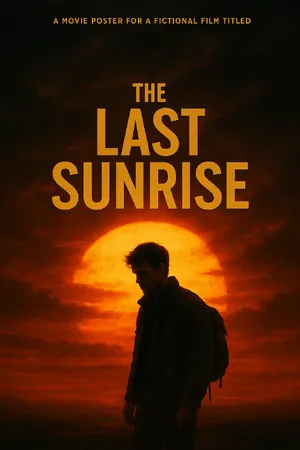
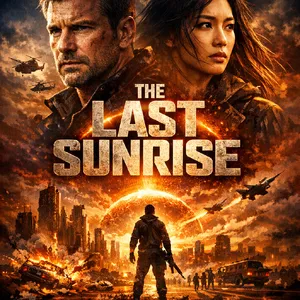
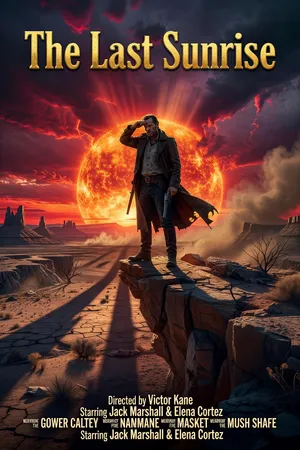
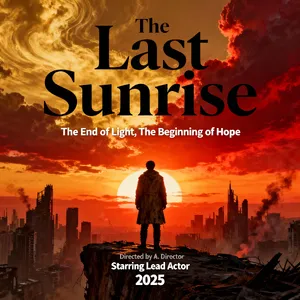
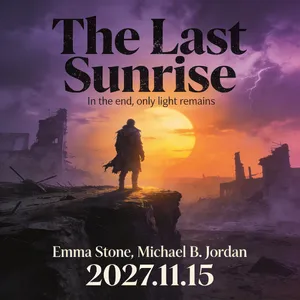
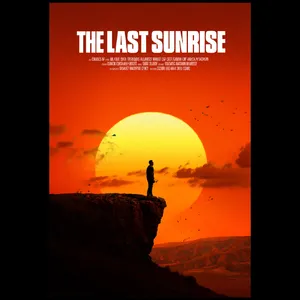
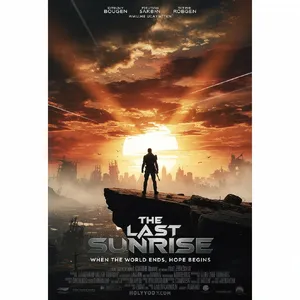
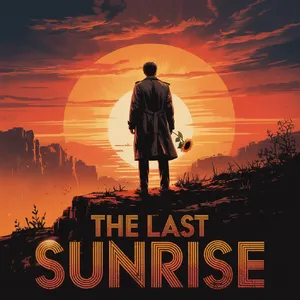
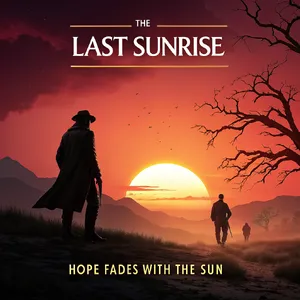
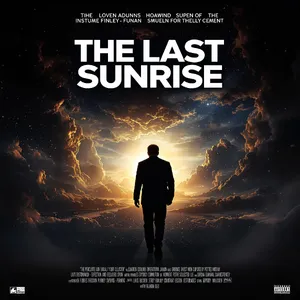
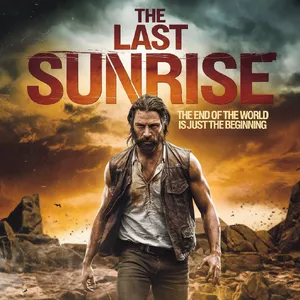
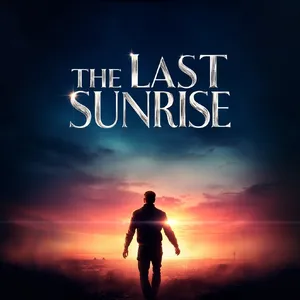
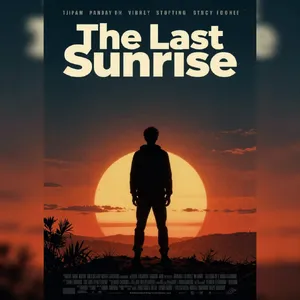
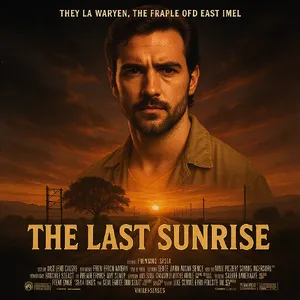
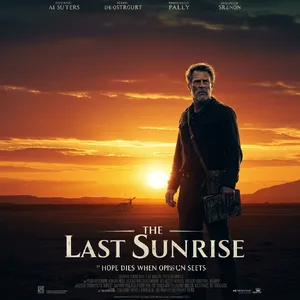
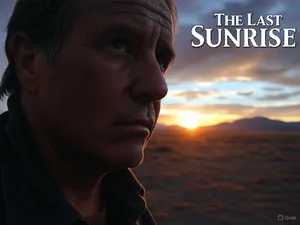
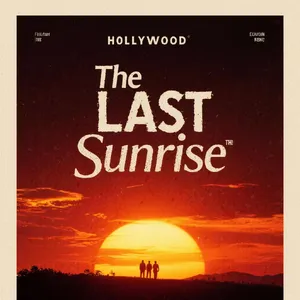
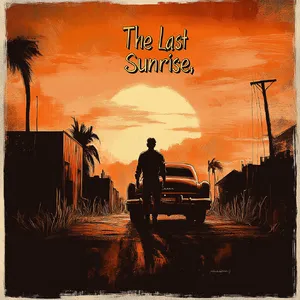
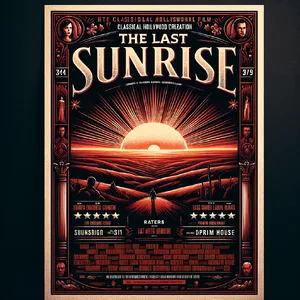
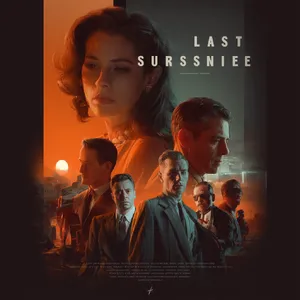
Many high-fidelity models struggle with secondary text. For example, in the Movie Poster challenge, models like DALL-E 3 and Flux 1.1 Pro Ultra rendered the main title correctly but filled the credit block with alien-like nonsense. In contrast, Nano Banana Pro generated legible, coherent placeholder names, showing a deeper understanding of language structure.
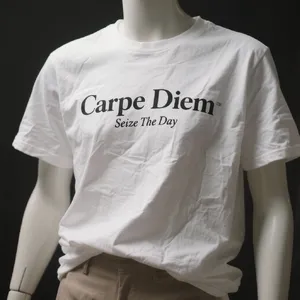
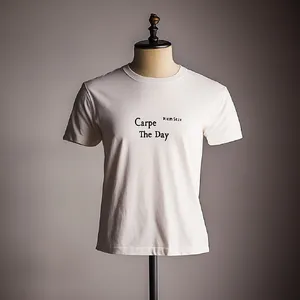
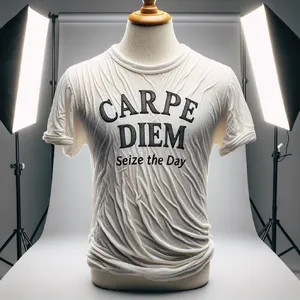
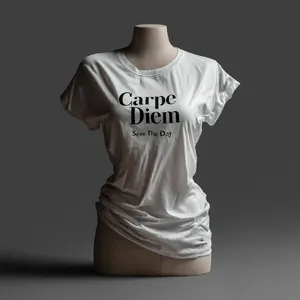
2. Texture vs. Text
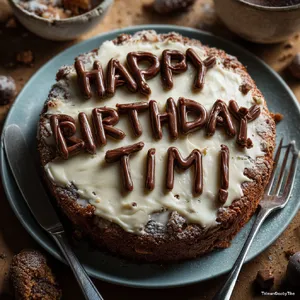
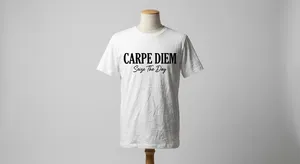
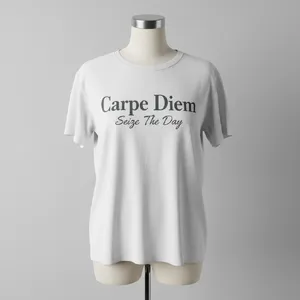
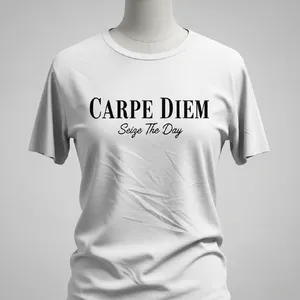
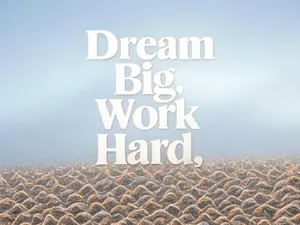
A major hurdle for AI is applying text to complex textures.
3. The "Specific Data" Trap
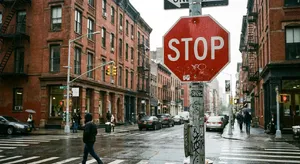
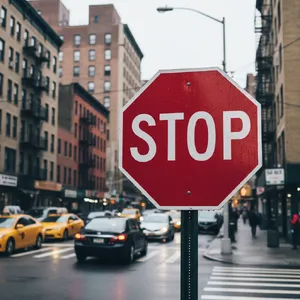
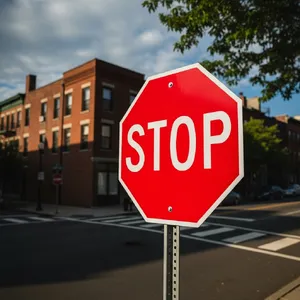
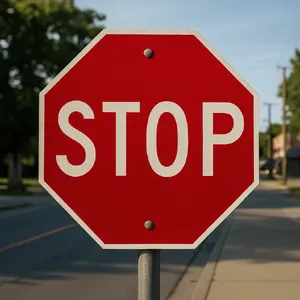
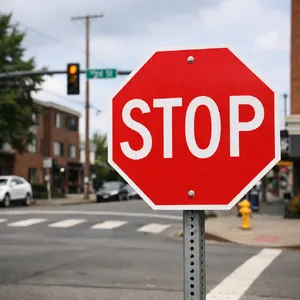
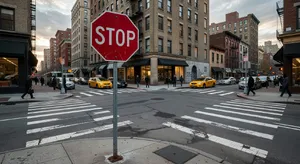
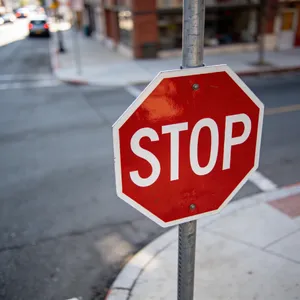
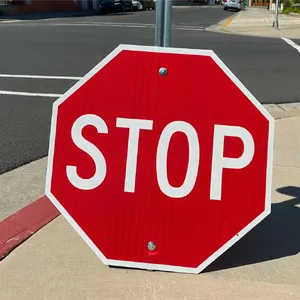
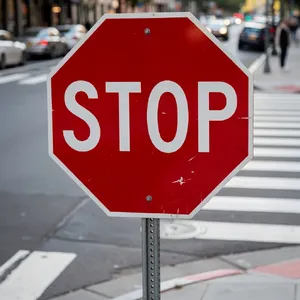
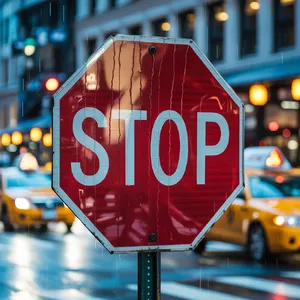
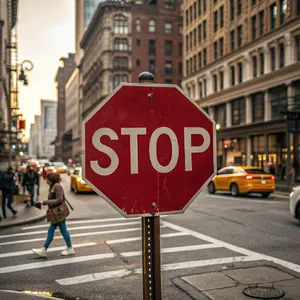
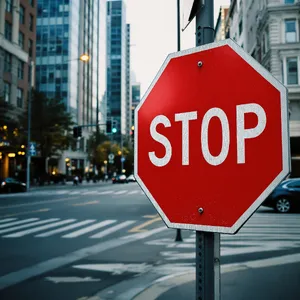
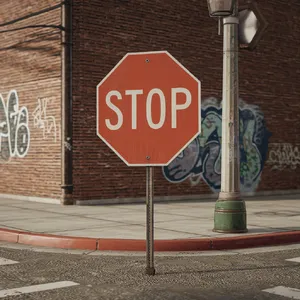
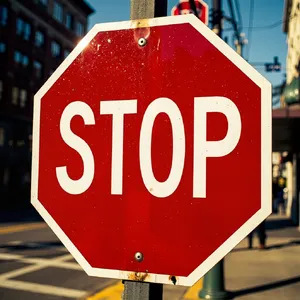
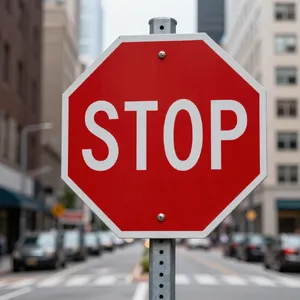
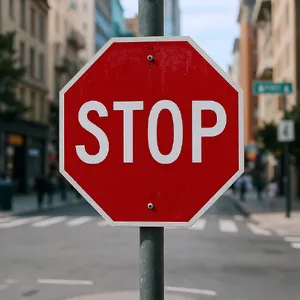
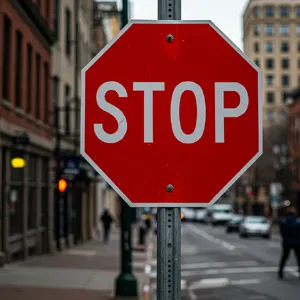
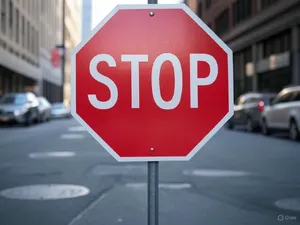
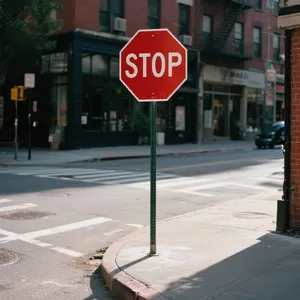
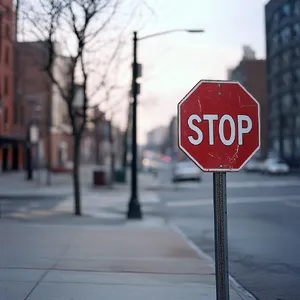
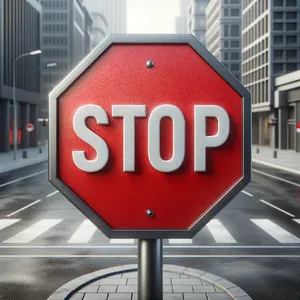
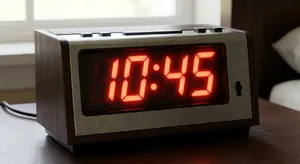
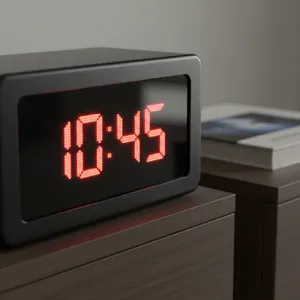
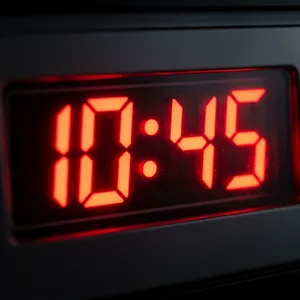
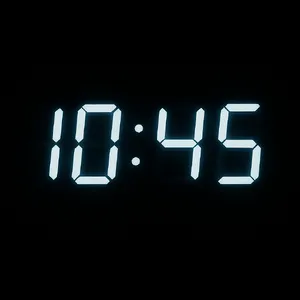
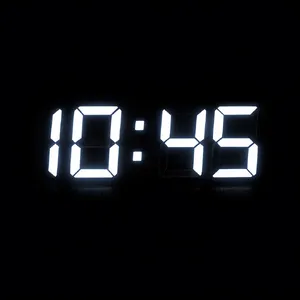
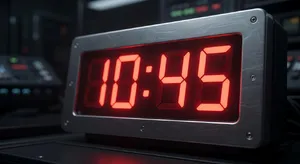
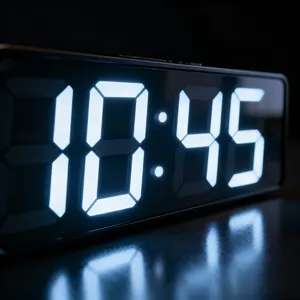
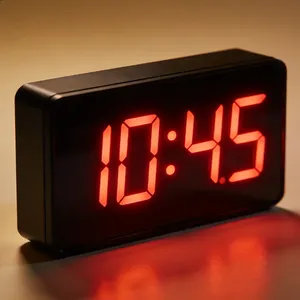
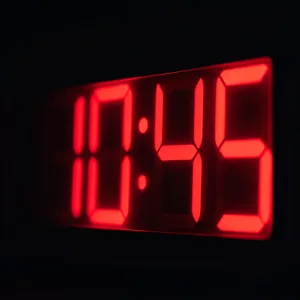
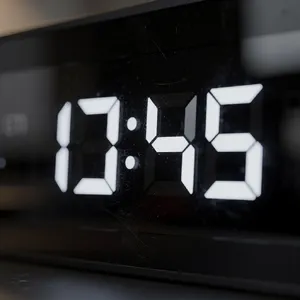
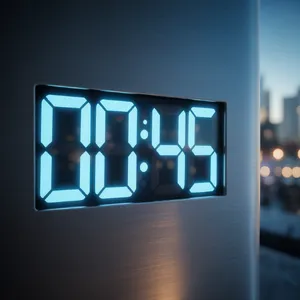
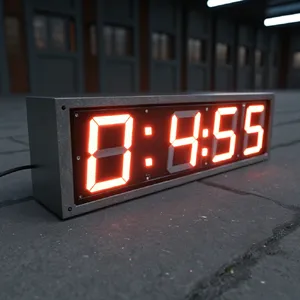
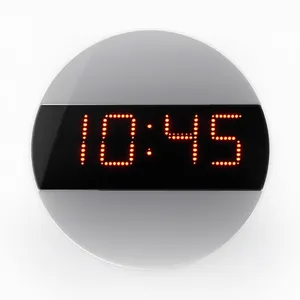
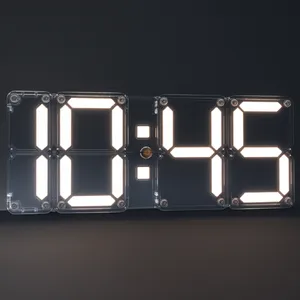
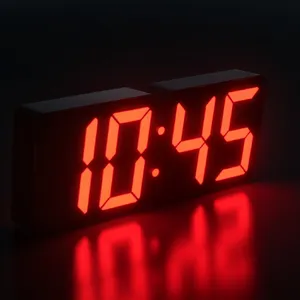
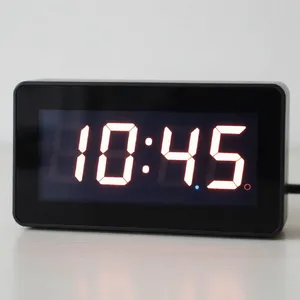
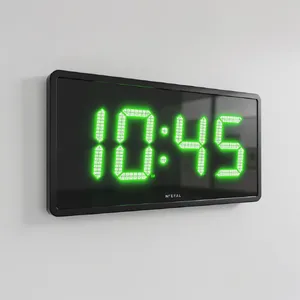
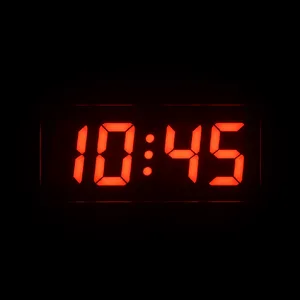
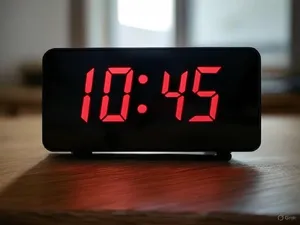
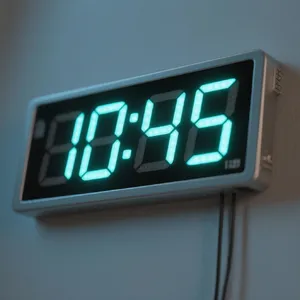
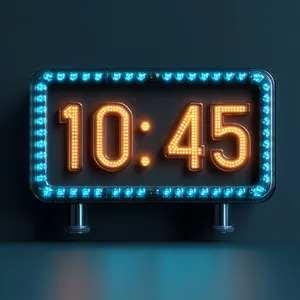
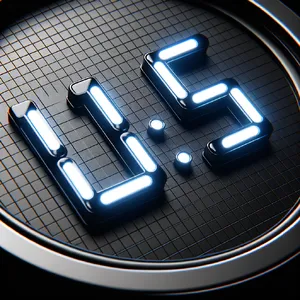
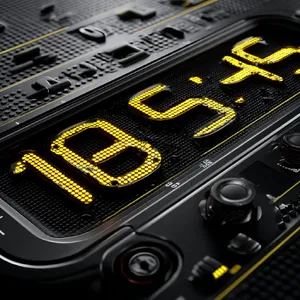
Models performed significantly better on text associated with common objects. Almost every model nailed the Stop Sign prompt because "STOP" on a red octagon is heavily represented in training data. However, when asked for a specific time on a Digital Clock, models like DALL-E 3 and Recraft V3 struggled to display "10:45" accurately, often showing random numbers instead. This suggests some models are "remembering" images rather than "reading" the prompt instructions for digits.
Best Models by Use Case
📸 Photorealistic Typography
Best Choice: Nano Banana Pro
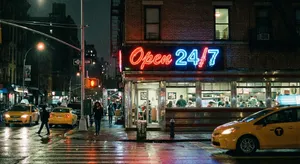
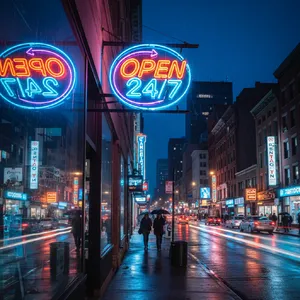
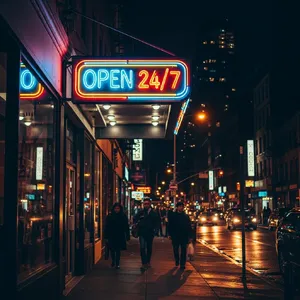
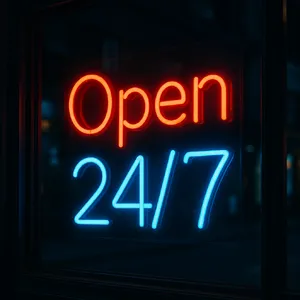
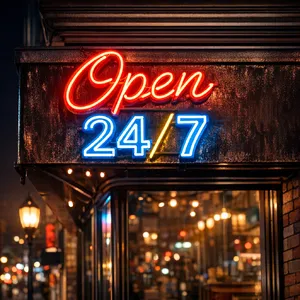
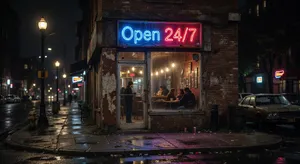
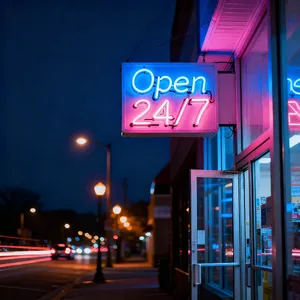
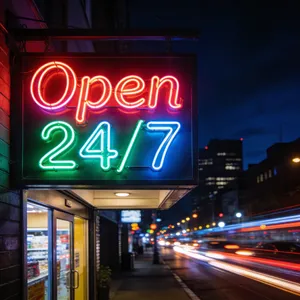
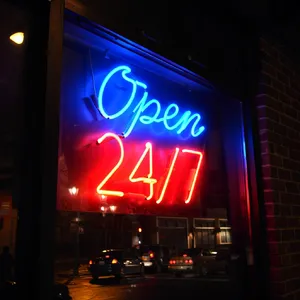
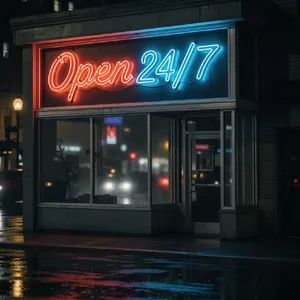
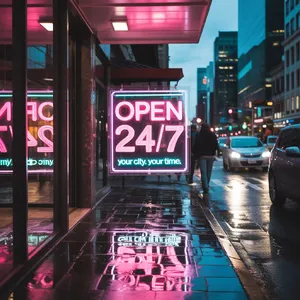
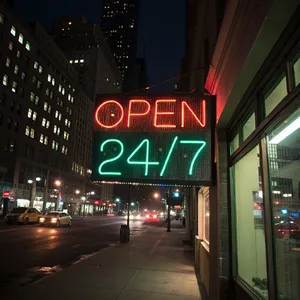
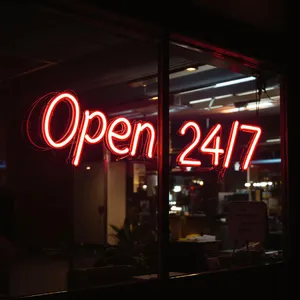
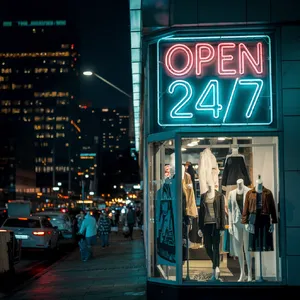
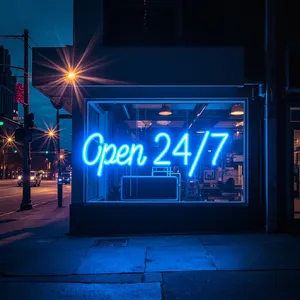
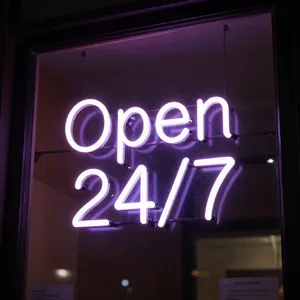
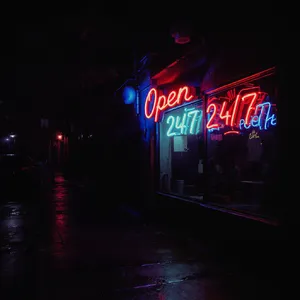
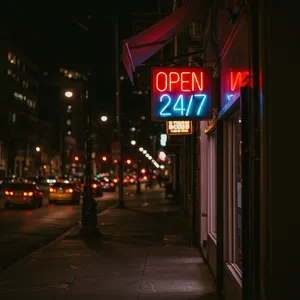
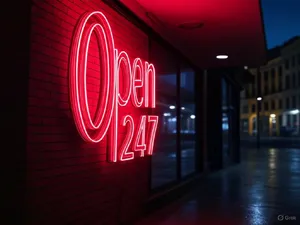
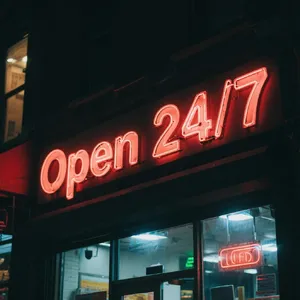
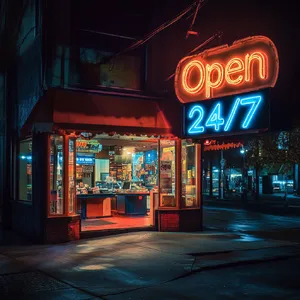
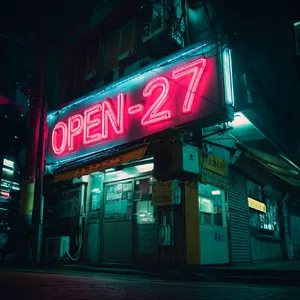
When text needs to look like it physically exists in the real world (weathered signs, neon lights, printed materials), this model is unmatched. Its performance on the Stop Sign prompt—adding stickers, grime, and graffiti while keeping the text legible—was a masterclass in urban realism.
🎨 Graphic Design & Vectors
Best Choice: Recraft V3 or Imagen 4.0 Ultra
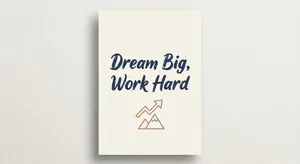
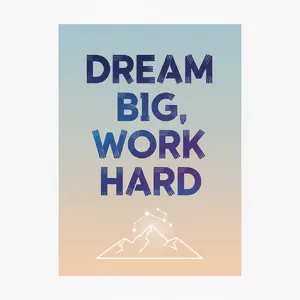
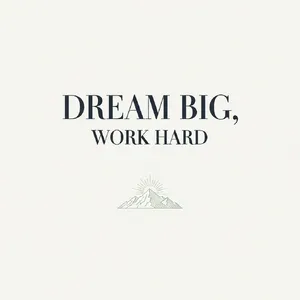
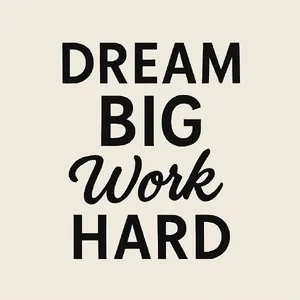
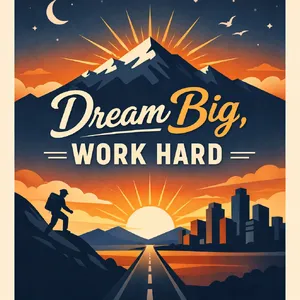
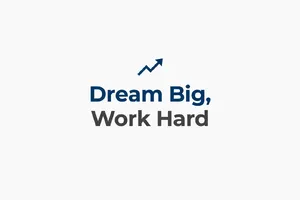
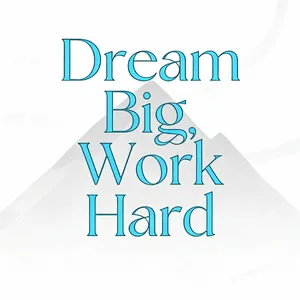
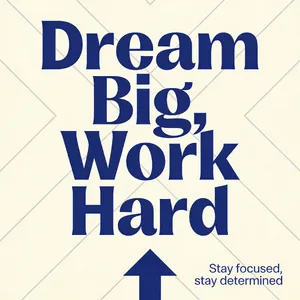
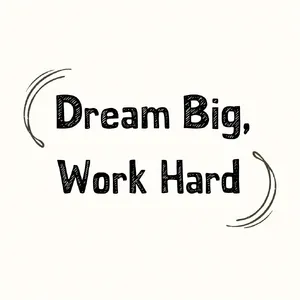
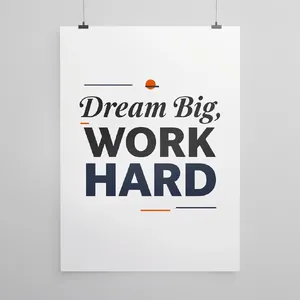
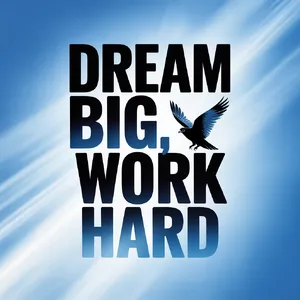
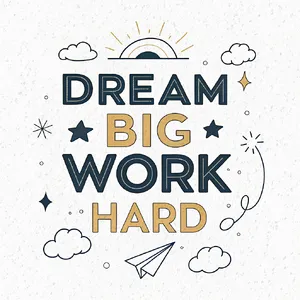
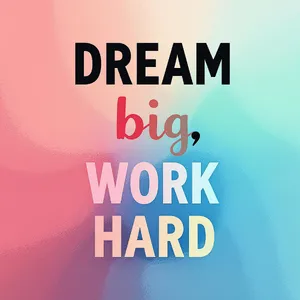
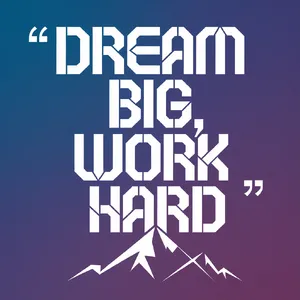
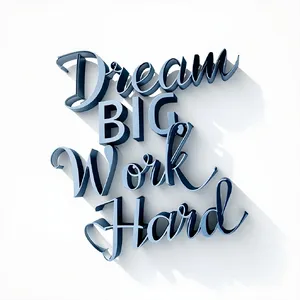
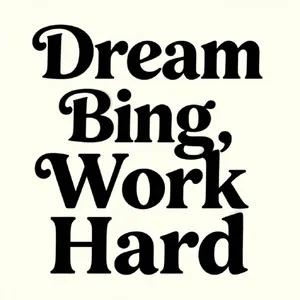
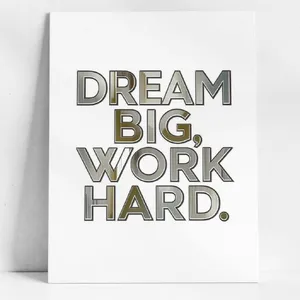
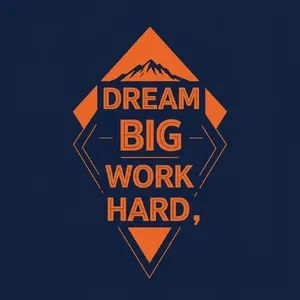
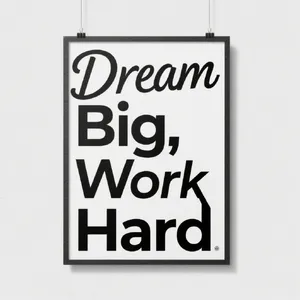
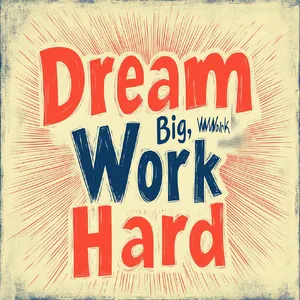
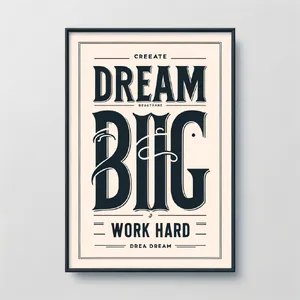
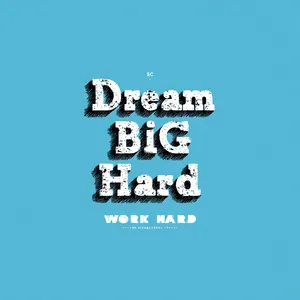
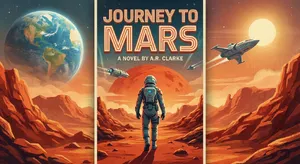
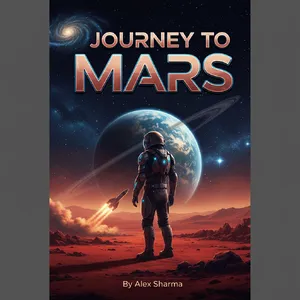
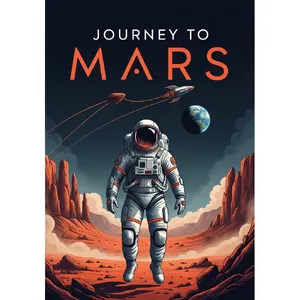
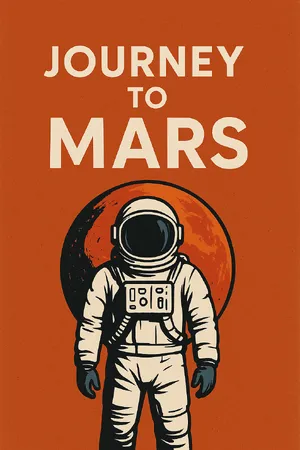
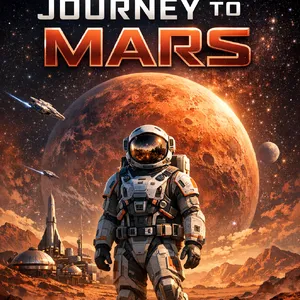
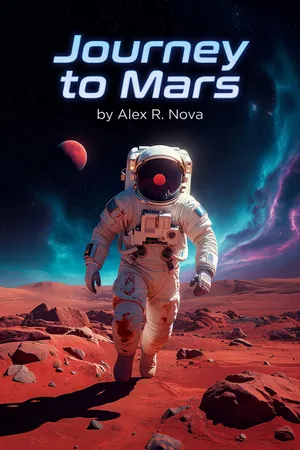
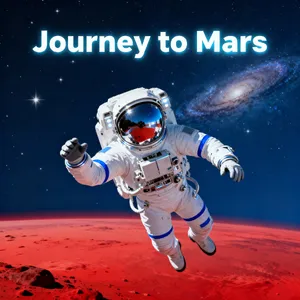
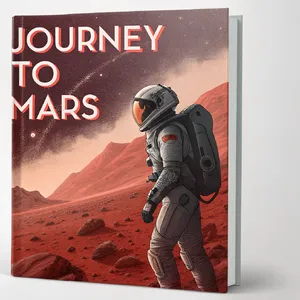
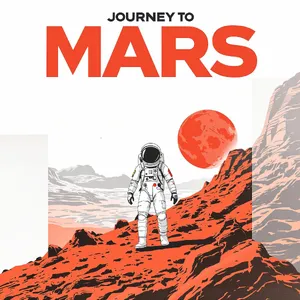
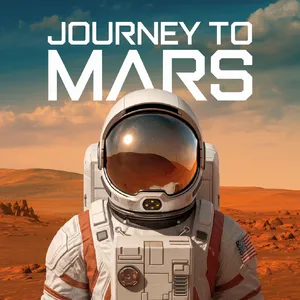
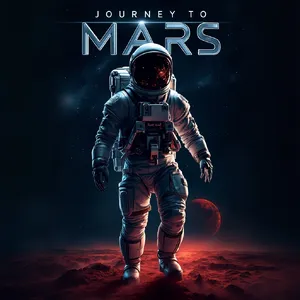
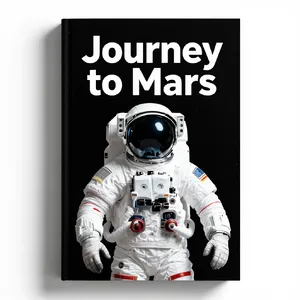
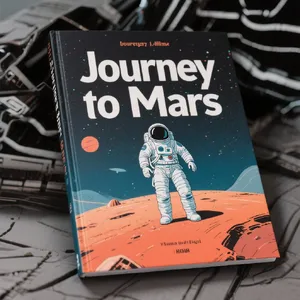
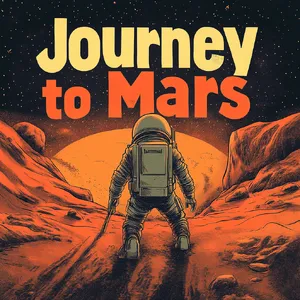
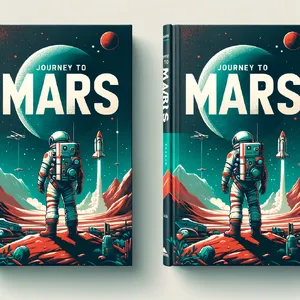
For clean, vector-style outputs like the Motivational Poster or Book Cover, these models produce crisp, distinct lines without the "muddy" artifacts often seen in diffusion models. Recraft V3 specifically nailed the Dream Big Poster with a charming, hand-drawn aesthetic that felt human-made.
🍰 Creative & Decorative Text
Best Choice: GPT Image 1.5
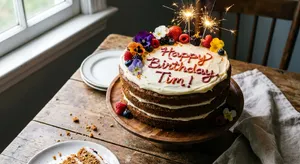
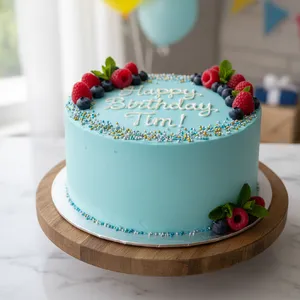
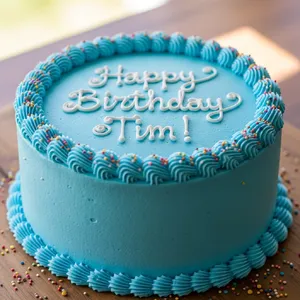
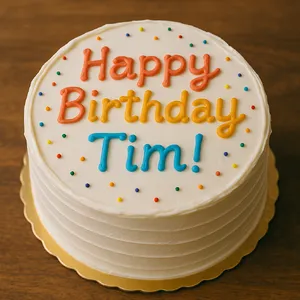
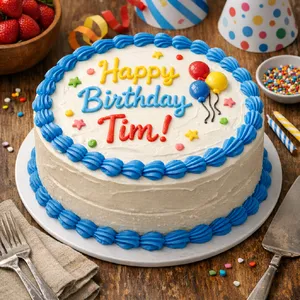
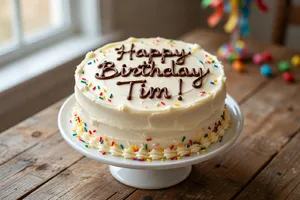
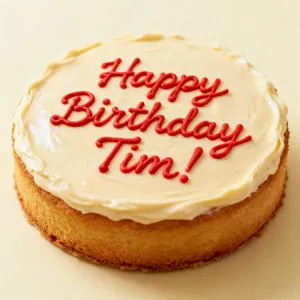
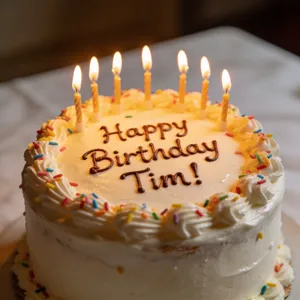
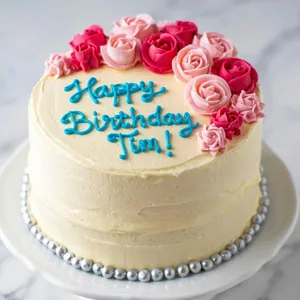
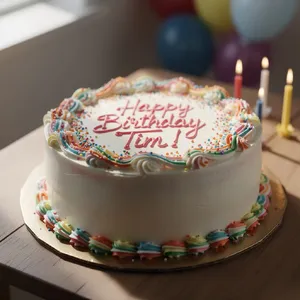
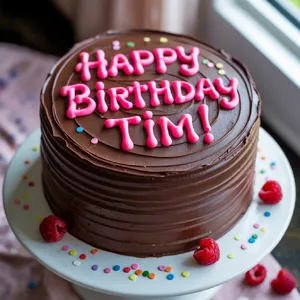
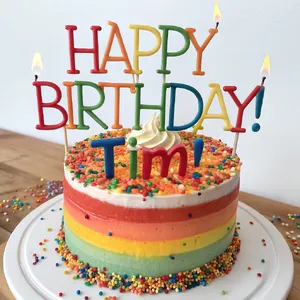
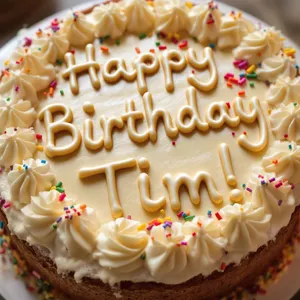
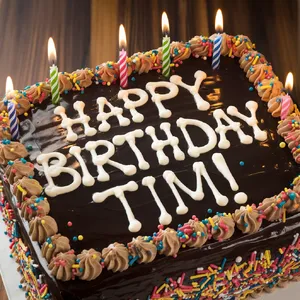
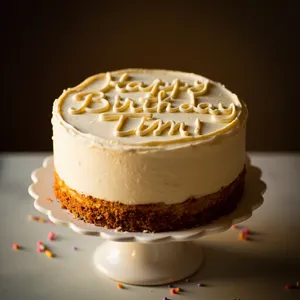
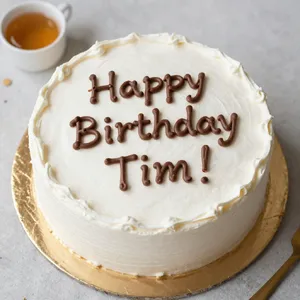
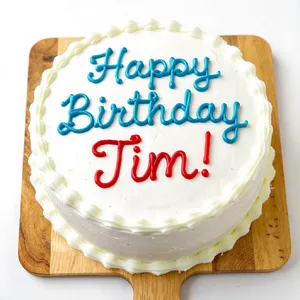
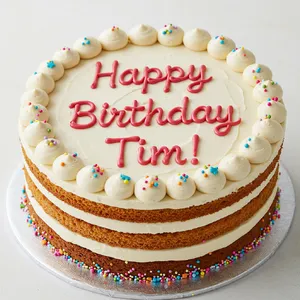
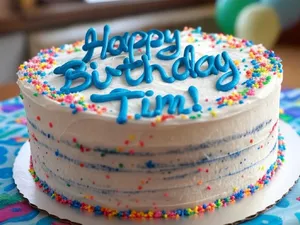
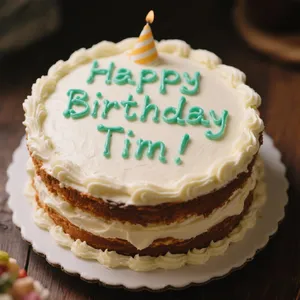
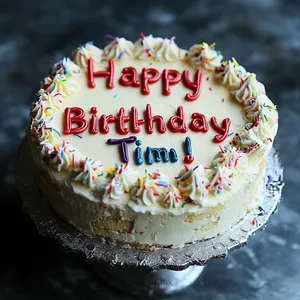
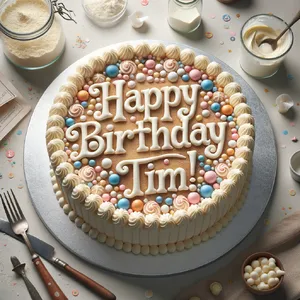
For text made of non-standard materials, such as icing on a Birthday Cake, GPT Image 1.5 demonstrated excellent adherence. It didn't just place text on the cake; it simulated the piping texture and volume of the icing perfectly.
⚠️ Use with Caution
Midjourney v7 and Midjourney V6.1
While visually spectacular, these models are currently unreliable for strict text prompts. In the Magazine Cover challenge, Midjourney v7 generated a beautiful image but misspelled the headline as "Invontutions." Use these for mood and composition, but expect to fix the typography in post-production.